Tutorials
Step-by-step technical and creative guidance.
Kling 4.0 on MITO: What It Is Best At, and When Director Picks It
A 30-second take, 10 keyframes, and about a third of what Seedance 2.5 costs to run. Here is which jobs that combination wins.
Advanced AI Video: Shot Planning, Multishot and the Timeline
The advanced skill is not prompting. It is knowing when one generation beats three, and what to do with the clips once you have them.
Director Takes Calls: Start a Project by Talking to It
One rambling sentence, spoken, became a 30-second paper-craft film about cinema history. Here is what happens on the other end of the call.
How to Generate AI Images and Videos with Director
Director writes the prompt, picks the model and sets the options. Here is what it is good at, and the one moment the manual panel earns its place.
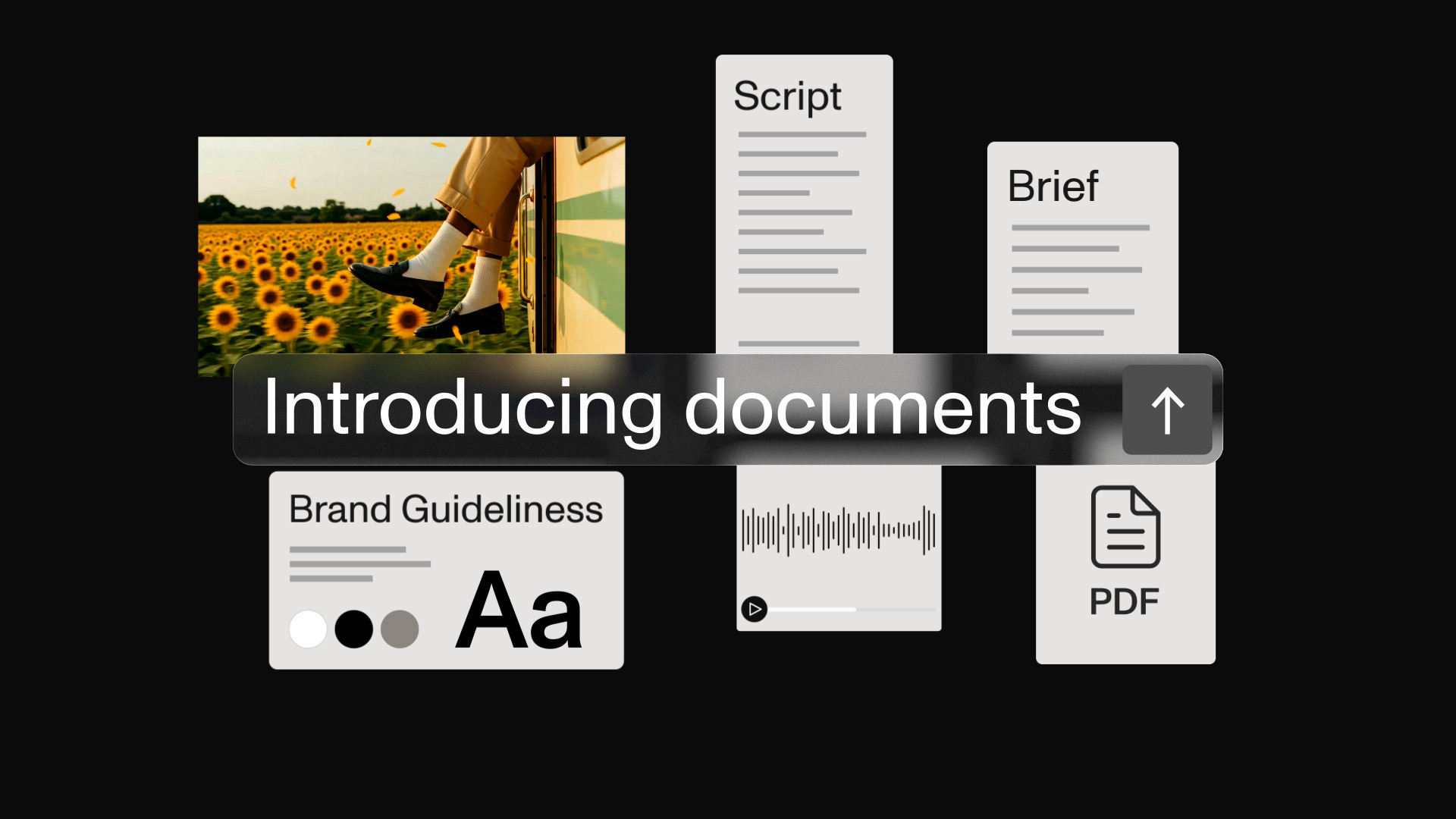
How to Keep Every AI Generation On Brand with One Document
Most advice says paste a style block into every prompt. A Document means you write it once and stop thinking about it.
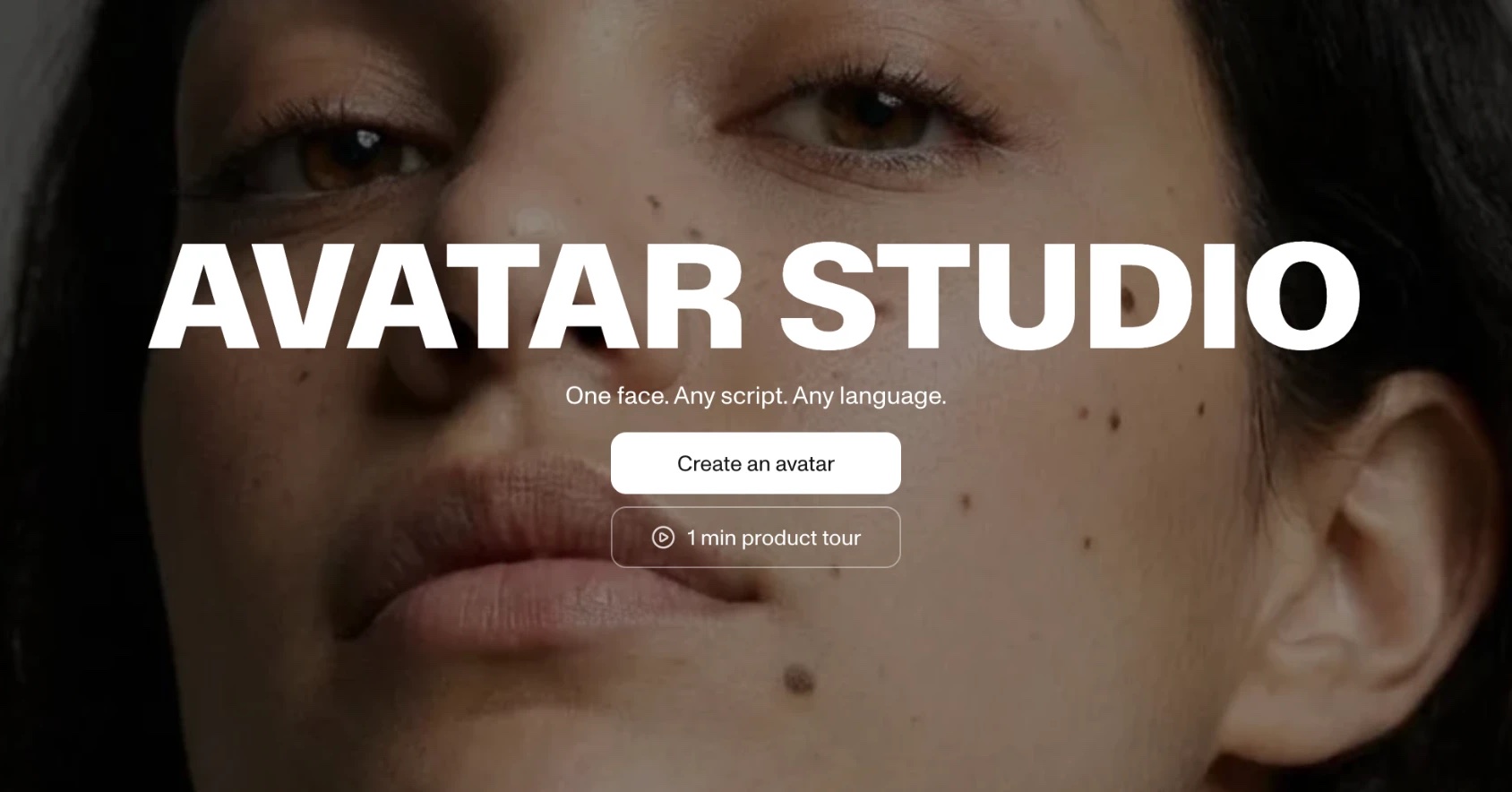
How to Make an AI Avatar of Yourself from One Photo
The opening line of our latest tutorial was not spoken by a person. Here is how that clone got made, in about five minutes.
How AI Video Works: Models, Platforms, and One Real Build
Everyone says 'AI video' like it is one thing. It is two, and the difference explains most of the confusion.
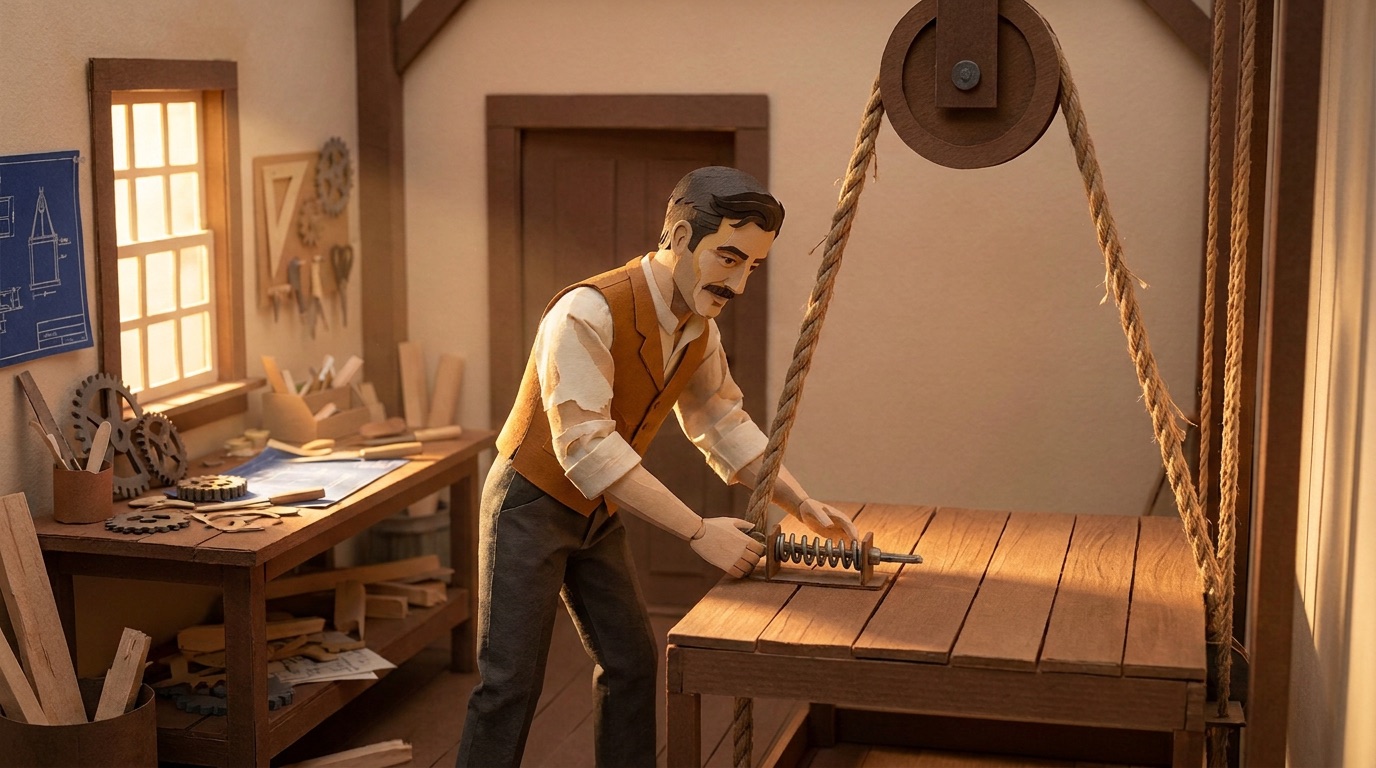
How to Make an AI Explainer Video, Start to Finish
One idea, one Director chat, six generated scenes. The whole workflow, including the mistake we had to go back and fix.
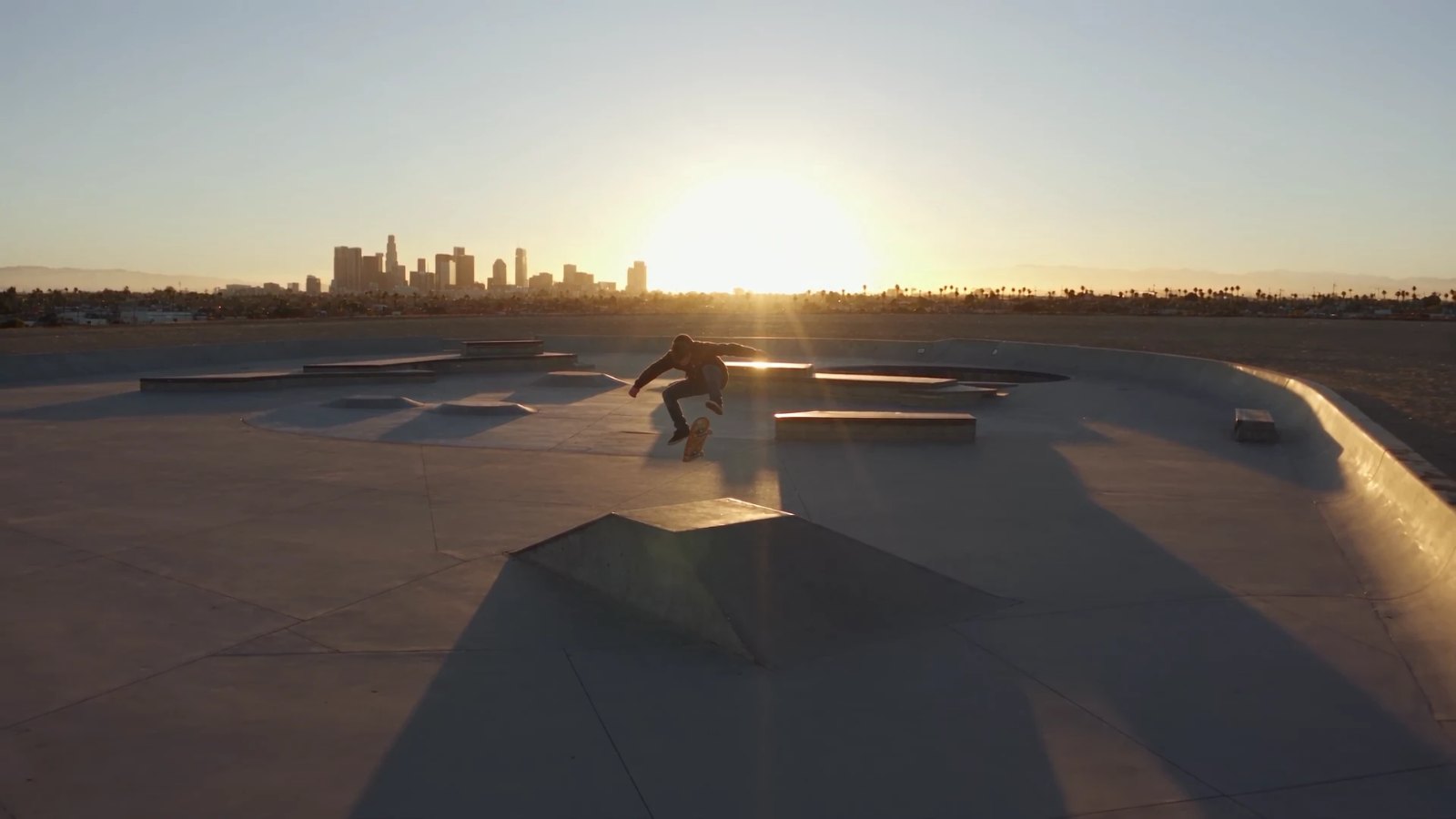
What Is a Start Frame in AI Video Generation?
A start frame is literally frame one, not a vibe reference. Here is what it actually does.
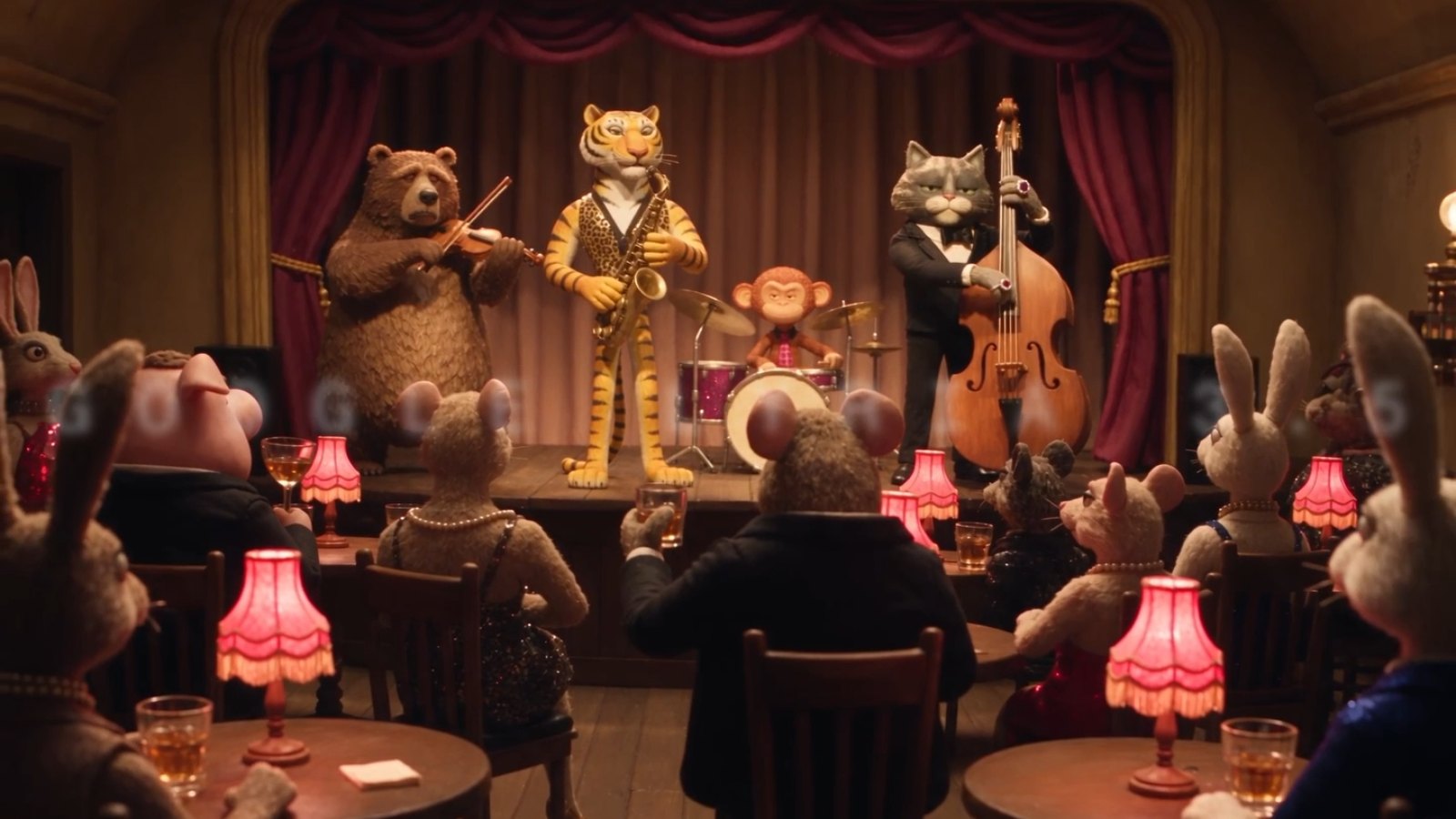
Best AI Music Generator for Video in 2026
A new model just changed the maths. Compared for scoring video, not for making songs.
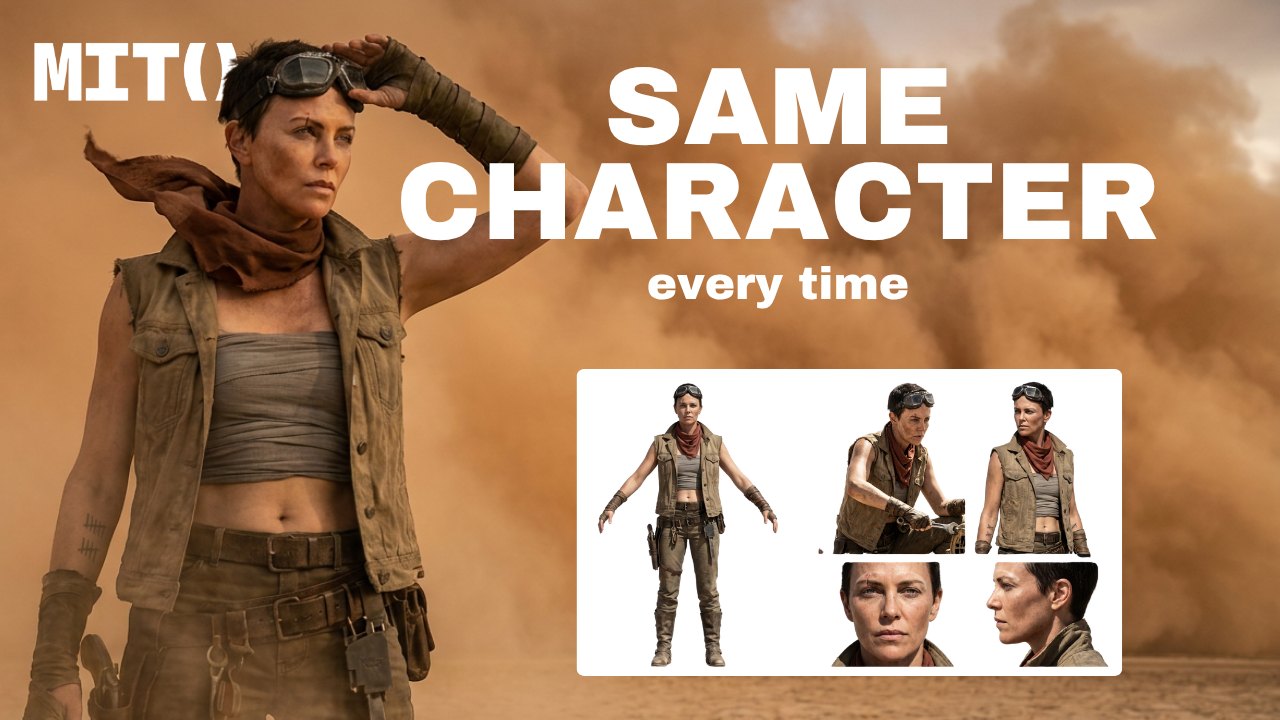
How to Keep AI Video Characters Consistent Across Scenes
Save what has to recur as an Element, reuse it in every scene, and keep the scene prompt for the action and the camera.
Flare vs. Sunburst: Which ChatGPT Images 2.5 Model Should You Use?
Flare is for throwing fifteen ideas at the wall. Sunburst is for the asset the client already approved.
MiniMax H3 Max: faster than you can watch it
MiniMax H3 Max is fast, lets you direct the timeline, and makes it easier to show the model what needs to stay consistent.
Gemini Omni 1.1 Flash: stop describing movement. Show it.
Gemini Omni 1.1 Flash lets you show it real movement, direct the change, and keep the same scene going in MITO.
How to prompt Gemini Omni on MITO
A prompt guide for Gemini Omni: mix the right ingredients to keep full control over your result.
How to Plan an AI Filmmaking Project Before Your First Shot
Most AI films fall apart because the decisions were made in the wrong order. Here are the six stages, and what you should be holding at the end of each one.
Create your first avatar
How we crafted Elsa from the idea to the concept — a walkthrough of the full avatar creation process inside MITO.