MiniMax H3 Max: faster than you can watch it
It can generate video faster than you can watch it.
MINIMAX H3 MAX
It can generate video faster than you can watch it
A 5-second generation can finish in under 3 seconds.
People have already taken this to the obvious extreme by livestreaming and letting viewers prompt what happens next. Promptable live television is apparently a thing now.
If you test one thing first, try a timed sequence. That is where H3 Max starts to feel different.
Direct the timeline
Tell it “close-up at 2s, camera pulls back at 5s, character speaks at 7s” and it actually does it.
That matters when the timing is the idea, not an afterthought.
Show it what has to stay consistent
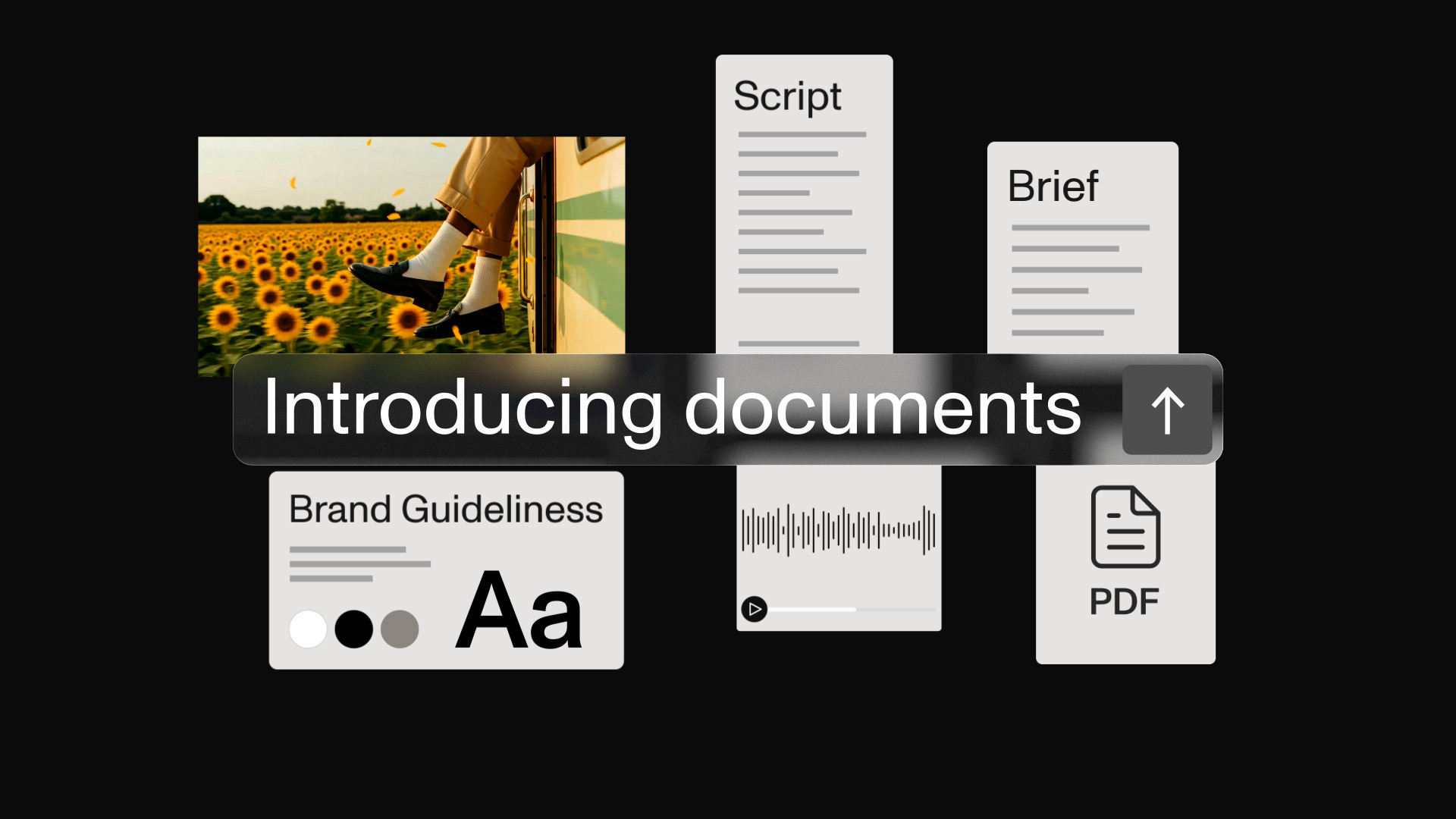
Characters. Product shots. Motion references. Audio.
H3 Max can read those references together, which makes it much easier to tell the model what cannot drift while the shot changes around it.
H3 Max or Omni Flash?
Choose H3 Max when the shot needs precision: an approved product, controlled timing, legible text, or sound that carries the idea.
Choose Omni Flash when the hard part is movement: exploring a motion, changing a shot through conversation, or carrying the same scene forward.
A useful handoff is to find the movement in Omni, then use H3 Max for the product-led shot with the approved references and sound.
See the Gemini Omni Flash 1.1 motion-reference workflow for the first half of that workflow.
Choose the right input before you start
H3 Max has two ways to work.
Use frames
Use frames when you know how the shot starts or ends. Give it the first frame, the last frame, or both to guide the move between them.
Use references
Use references when it needs to understand a person, product, image, video, or sound. This is the better choice for a client product, a lead character, or a sound-led scene.
Choose one per shot. In MITO, frames and references are separate workflows.
Ask: do I need to control the move, or show it what the world looks like?
If you add an audio reference, include an image or video reference too.
If the same product, character, or place will recur, create it as a reusable MITO Element first. That lets each H3 Max prompt focus on the shot rather than rebuilding the same brief.
Where it still needs your eyes
H3 Max gets you closer to the brief, but client-critical details still need review.
- Type: if a sign matters, state the exact words, where they sit, and how they should look. Check spelling and stability as the camera moves.
- Products: use the approved image and name the details that must stay visible. Compare the final shot against the reference.
- Sound: include it early when it is part of the idea, then listen to the full clip rather than judging from the thumbnail.
Editing stills rather than generating video? ChatGPT Images 2.5 brings Flare and Sunburst to MITO.
Frequently asked
- When should I use H3 Max?
Use H3 Max for a product-led shot, a scene where legible text matters, or a moment where sound is part of the idea. Review every client-critical detail before sharing it.
- Can I use frames and references together in H3 Max?
Choose frames to guide the move, or references to show the model the person, product, world, or sound you need. H3 Max keeps those workflows separate.
- Do audio references need another visual reference?
Yes. In H3 Max, an audio reference needs an image or video reference alongside it.
The AI tool for cinematic video.
Generate, direct, and publish professional videos — powered by the best AI models.
More posts