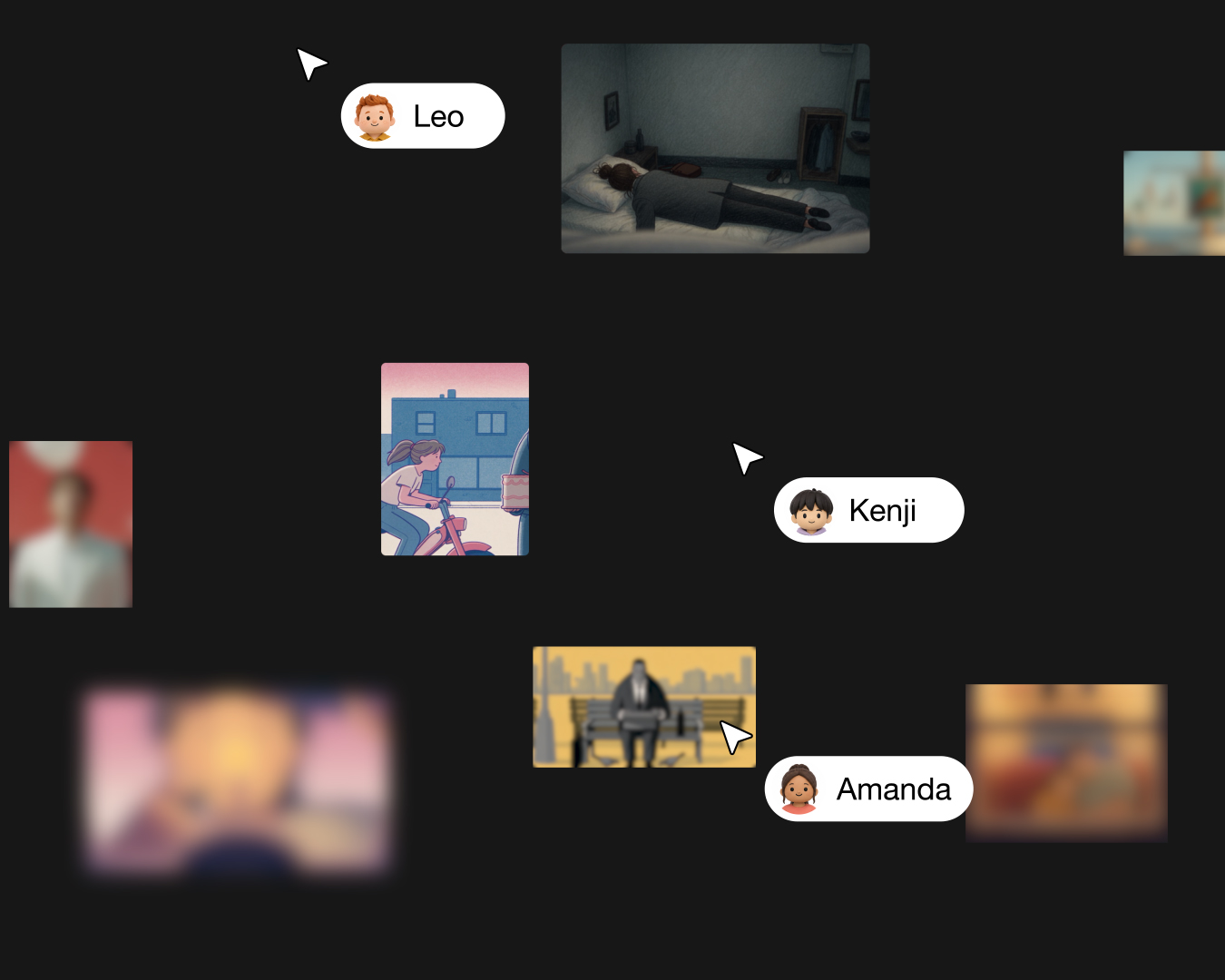
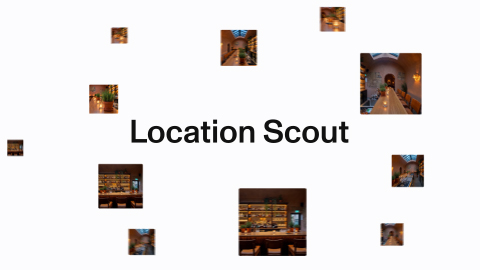
Keep the same character in every shot
Elements hold what stays constant. Your scene prompt tells MITO what changes now.
NEW IN MITO
The hardest part of AI video is keeping the same person, place or object looking like itself from shot to shot. Elements are how you do that in MITO now.

Elements hold what stays constant
Your scene prompt tells MITO what changes now.
That is the whole mental model:
- Element = identity and continuity
- Scene prompt = action, camera, and one-off direction
Put the recurring details in the Element once, then stop rebuilding the same context every generation.
Elements, in three steps
Describe it once
Write down what has to stay consistent, and stop retyping it every generation.
Give it references
Add generations you already made, so it has something to look at.
Generate with it
Mention the Element in a prompt and the model keeps the same subject.
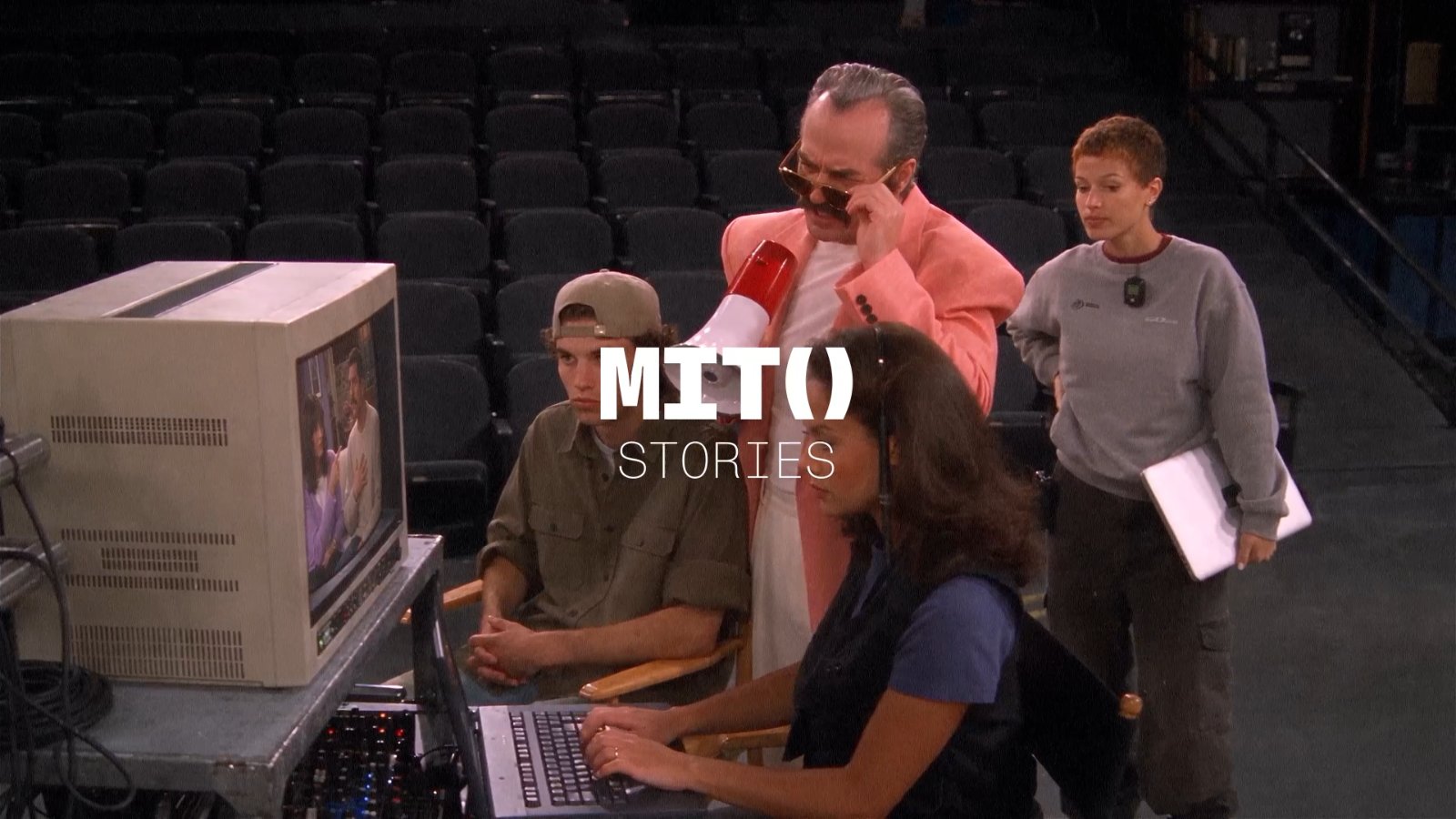
A Sherlock scene made in MITO.
Only save what has to survive the next shot
Give each Element one job: hold the information you would hate to re-explain on the next shot.
For a Character, protect the cues people notice first: face, hair, silhouette, wardrobe, voice.
For a Location, protect the world rules: light, palette, materials, and defining set details.
For an Object, protect the approved reference, colour, shape, material, and branding.
Keep the non-negotiables obvious. If it will not matter again, leave it in the scene direction.
Keep the world steady. Direct the moment.
Elements hold continuity. The scene direction still tells MITO what happens now.
Put recurring identity and product details in the Element. Use the scene direction for the action and camera. Each shot stays focused instead of becoming a copy-and-paste brief.
Use the same Element whether you are directing movement with Gemini Omni Flash 1.1 or making a product-led shot with MiniMax H3 Max.
Make a small cast list before you generate
Before a multi-shot project, make the Elements you know will recur:
- The main Character or characters.
- The recurring Location or locations.
- The product or hero Object that needs to stay recognisable.
Use the same name consistently with @ mentions. When an output drifts, fix the Element before the next scene instead of adding more to every prompt.
Review the details people will notice
Elements improve the starting point. Keep the client review focused on the details that matter for that Element:
- Does the character still read as the same person?
- Does the location keep its light, palette, and defining features?
- Does the product match the approved reference at the size people will see it?
- If you use a cloned voice, do you have permission to use that recording?
That last review is where consistency becomes useful rather than merely convenient.
Give a character its own voice
A Character can carry a voice as well as a look.
Clone a voice from a clip, trim to the section you want, name it and set its language. Now the same character sounds like themselves too.
Cloning a voice: choose the clip, trim it, name the voice, set the language.
One rule: only clone voices you have permission to use.
How to try it
Open a blank project in MITO and click the + button in the bottom toolbar.
Or ask the AI Director in the sidebar chat to do it for you. Describe the character, let it build the Element.
It’s live now, on every plan, including your first free credits.
Build it once. Keep it consistent shot after shot.
Tried it? Send us your before and after shots. We’re featuring creations in future notes, so if you want your work in front of 12K creators and studios, send it our way.
Frequently asked
- What are Elements?
Elements are reusable Characters, Locations and Objects that live on your MITO canvas. You define one once, with its appearance, outfit, voice, visual style or branding. Then you bring that same context into any scene by @mentioning it, instead of reselecting references and rebuilding context shot by shot.
- How do I create an Element?
Open a project in MITO and click the + button in the bottom toolbar. Or ask the AI Director in the sidebar chat to create your Elements for you. See Introducing Director.
- What can I define on a Character?
Appearance, personality, outfit and voice, plus your own reference images. For a Location you define visual style and key details. For an Object, branding, references and other specifics.
- Can I give a Character its own voice?
Yes. Record or upload a clip, choose the section to clone from, name the voice and set its language, with optional background-noise removal. Only use recordings you have permission to clone.
- How do I use an Element in a scene?
@mention it. Type the @ symbol, pick the Character, Location or Object you need, and MITO carries that context into the shot.
- Does this keep characters consistent across scenes?
That is the point. Most AI video models generate each scene independently, with no memory of the last one, so a character drifts a little every time. An Element is defined once and reused, so the same character, location or object holds from shot to shot.
- What belongs in an Element versus the scene prompt?
Put the details that should recur in the Element: a Character’s identity, a Location’s world rules, or an Object’s approved reference and key details. Put the action, camera move, and one-off direction in the scene prompt.
- Should I make a new Element for every reference image?
Make an Element when a character, location, or object will recur. Keep one-off styling or scene-specific images in that scene’s prompt.
- Which plans include Elements?
All of them, including the free credits you get when you start. Same as Director.
The AI tool for cinematic video.
Generate, direct, and publish professional videos — powered by the best AI models.
More posts