Make AI Video From Claude or ChatGPT
Your assistant can open the project you already have, make the next shot from a reference in it, and put the result back on the Canvas.
MITO now runs as an MCP server, so Claude, Claude Code, ChatGPT and Codex can work inside your MITO account from wherever you already write. Ask for a reference from a project, generate the next shot from it, and save the result back to the Canvas where the rest of the team will see it. You sign in with your MITO account and there is no API key to copy. Connecting and browsing are free on every plan, and only generating spends credits.
What it does
Your assistant works with whatever your MITO account can open, which splits roughly four ways.
Find and organise work. Browse projects and folders, search assets, read notes and briefs, add new references.
Create and refine media. Images, video, music and sound effects. Start from a reference, set a first and last frame where the model allows it, and upscale a result without losing the original.
Preview and download. Apps that support it play the clip and show the image in the chat. The rest get a download link.
Hand off a saved edit. A cut you saved in MITO comes back as an editable timeline with its media, for Premiere Pro or DaVinci Resolve.
Where it helps most
The useful case is not generating from nothing. It is making the next shot in the project you already have.
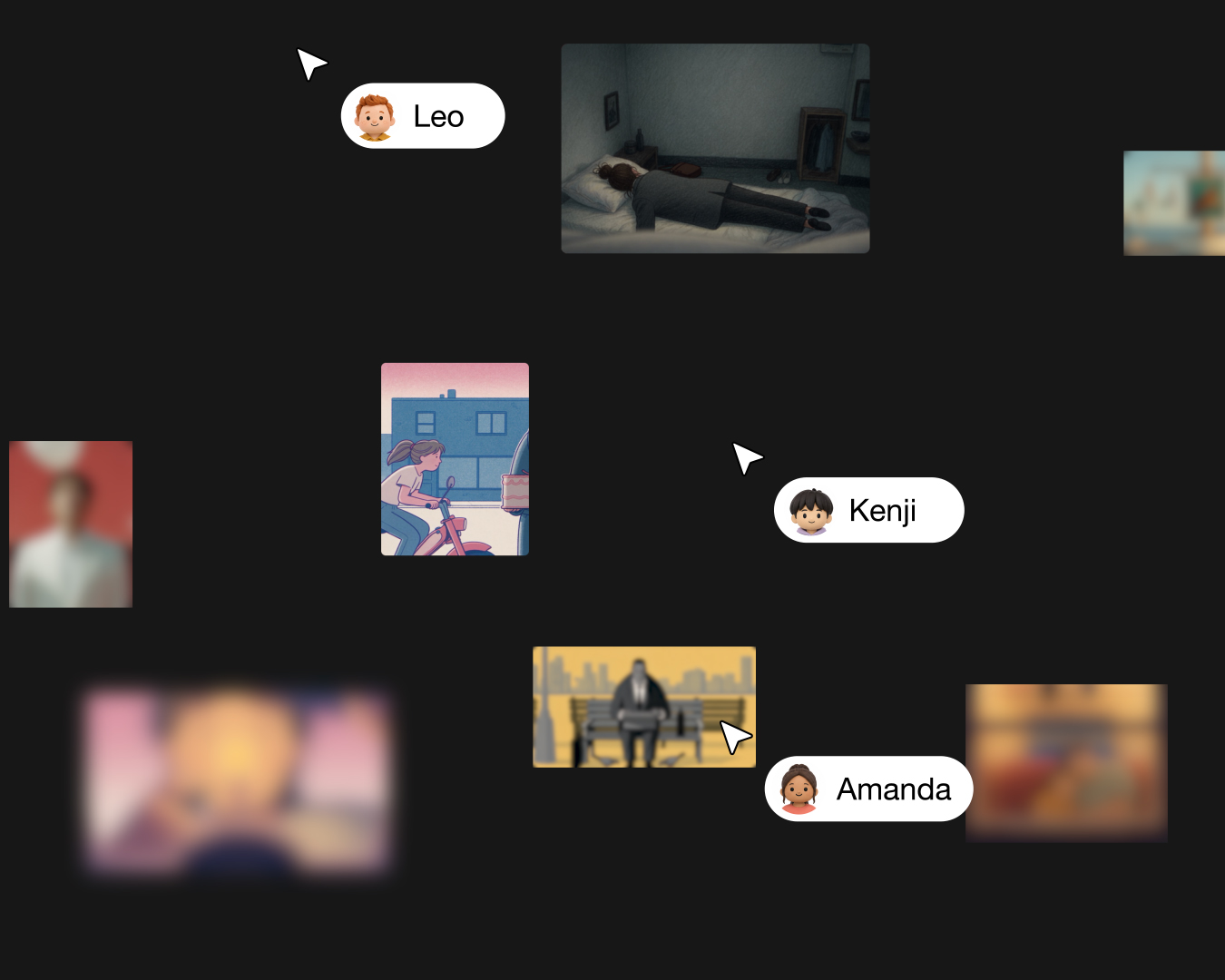
The assistant finds the approved still on your Canvas, so there is nothing to download and re-upload to get the look right. The clip it generates lands on that same Canvas, next to the still it came from, where the rest of the team reviews everything else. And the cut you build from those clips leaves as a timeline your editor can open.
Setting it up
Three steps, and the whole thing takes about a minute.
- Open mito.ai/mcp on your computer and sign in to MITO.
- Add MITO in your app, with the link or the command for it below.
- Check it works. Ask it to list your workspaces and tell it not to create or change anything. That costs no credits.
Each of these does as much of step two as the app allows, so there is nothing to fill in by hand.
Claude. Add MITO to Claude opens the Add custom connector dialog with MITO already in it. Click Continue, check that Sign in now and Use Claude’s published identity are picked, click Add and log in. On a Team or Enterprise plan only an owner can add it, once for everyone; everyone else then clicks Connect next to it under Customize → Connectors.
Claude Code. Run claude mcp add --transport http --scope user mito https://api.mito.ai/mcp, then start Claude Code, type /mcp, pick mito and choose Authenticate. Drop --scope user to add MITO to the current project only instead of every one.
ChatGPT. Open chatgpt.com/plugins, click Add, then Add custom MCP server. Name it MITO, paste https://api.mito.ai/mcp under Connection, set Authentication to OAuth, then create it as a plugin and install it.
Codex. One line does both halves: codex mcp add mito --url https://api.mito.ai/mcp && codex mcp login mito. The ChatGPT desktop app, the Codex CLI and the IDE extension share a single setup, so adding it in one adds it in all three.
Cursor. Add MITO to Cursor hands off to Cursor, which asks to install the server. Approve it and sign in with your MITO account.
Anything else. The server URL is https://api.mito.ai/mcp, the transport is Streamable HTTP, and sign-in is OAuth with your MITO account. Apps configured with a JSON file take it under mcpServers, and apps that only run local servers can reach it through mcp-remote.
Setting up the MITO MCP, in Claude Code and in Codex.
What a run costs
Connecting and browsing are free on every plan, Free included. Nothing you do to look around your own workspace is billed.
Generating and upscaling spend the credits of whichever workspace you point the assistant at, charged when the job is submitted rather than when you like the result. Ask for an estimate before you approve anything and you will get one.
Getting a saved cut out as an editable timeline uses no credits at all.
What it can reach
Worth being precise about, because it is the part people get wrong.
The connected app has the same access your MITO account has. It reads what you can open. Where your role allows it, it can spend credits or move project assets to trash.
MITO does not ask again before each action. The confirmations you see are the ones your AI app shows, which means the setting that decides whether something runs unattended lives in Claude or ChatGPT rather than in MITO. If you share a workspace, point the assistant at the one you mean before you let it generate, and check what your app asks you to approve.
Which apps work
Claude on the web and in the desktop app, Claude Code, ChatGPT, Codex, and anything else that takes a custom MCP connection. Claude on the web and Claude Desktop share one setup.
Two things to know before you try. In ChatGPT, full access needs a Business, Enterprise or Edu plan, Pro is read-only, and an admin may have to add MITO before you can. On Claude Team and Enterprise, an owner adds MITO once and everyone has it.
Getting the cut out
Build and save the cut in MITO first, then ask for it. You get an OpenTimelineIO ZIP for Premiere Pro or an OTIOZ bundle for DaVinci Resolve, with the media alongside it, for no credits.
What arrives is an editable timeline rather than a finished film. Some text and effects will not carry over, so expect to rebuild those in the edit rather than to open the file and render.
Normal watermark rules apply to what you download. Paid plans can ask for ProRes on individual project clips.
What it is not
A second way to run MITO’s agent. Director chats stay in the app, and so does building or editing a timeline. The MCP hands over a cut you already saved rather than cutting one for you.
It does not make voiceovers, and it does not make Presenter Studio avatars, so HeyGen 6 and the rest of Presenter Studio are still something you open MITO for. Music and sound effects take a text prompt and nothing else.
Uploads cap at 200 MB for media, 50 MB for PDFs and 5 MB for text files, which is the limit most people meet first when they try to push a long reference through a chat.
None of that is a gap in what MITO does. It is a gap in what this particular door opens, and the app is still where the rest of it lives.
Frequently asked
- Can I make AI video from Claude or ChatGPT?
Yes. MITO runs an MCP server that connects Claude, Claude Code, ChatGPT, Codex and other MCP-capable apps to your MITO workspace. From the chat you are already in, the assistant can find a reference in one of your projects, generate images, video, music or sound effects from it, and save the result to the Canvas or the workspace library.
- What is MITO MCP?
A connection between an AI assistant and your MITO account, using the Model Context Protocol. You add MITO once in your assistant and sign in with your MITO account, with no API key to copy. The assistant then works with whatever that account can already open.
- How do I connect MITO to Claude?
Open mito.ai/mcp on your computer and sign in, then click Add to Claude and approve the connection in the browser. Turn MITO on in a chat and it is ready. The Claude desktop app and claude.ai share one setup, so there is nothing separate to download.
- What does MITO MCP cost?
Connecting and browsing are free on every MITO plan. Generating and upscaling spend the chosen workspace’s credits, charged when the job is submitted, and you can ask for an estimate before anything runs. Getting a saved cut out as an editable timeline uses no credits.
- What can the connected app do in my workspace?
The same things your MITO account can. It reads what you can open and, where your role allows it, spends credits or moves project assets to trash. MITO does not ask again before each action, so the confirmations you get are the ones set in the AI app rather than in MITO.
- Which AI apps work with MITO MCP?
Claude on the web and in the desktop app, Claude Code, ChatGPT, Codex, and other apps that support custom MCP connections. In ChatGPT, full access needs a Business, Enterprise or Edu plan and Pro is read-only, and an admin may have to add MITO first. On Claude Team and Enterprise an owner adds it once for everyone.
- What can MITO MCP not do?
It does not run Director chats, build or edit timelines, or make voiceovers or Presenter Studio avatars. Music and sound effects take a text prompt only. Anything it cannot reach is still there in the app.
The AI tool for cinematic video.
Generate, direct, and publish professional videos, powered by the best AI models.