Announcements
Product news and updates from MITO.
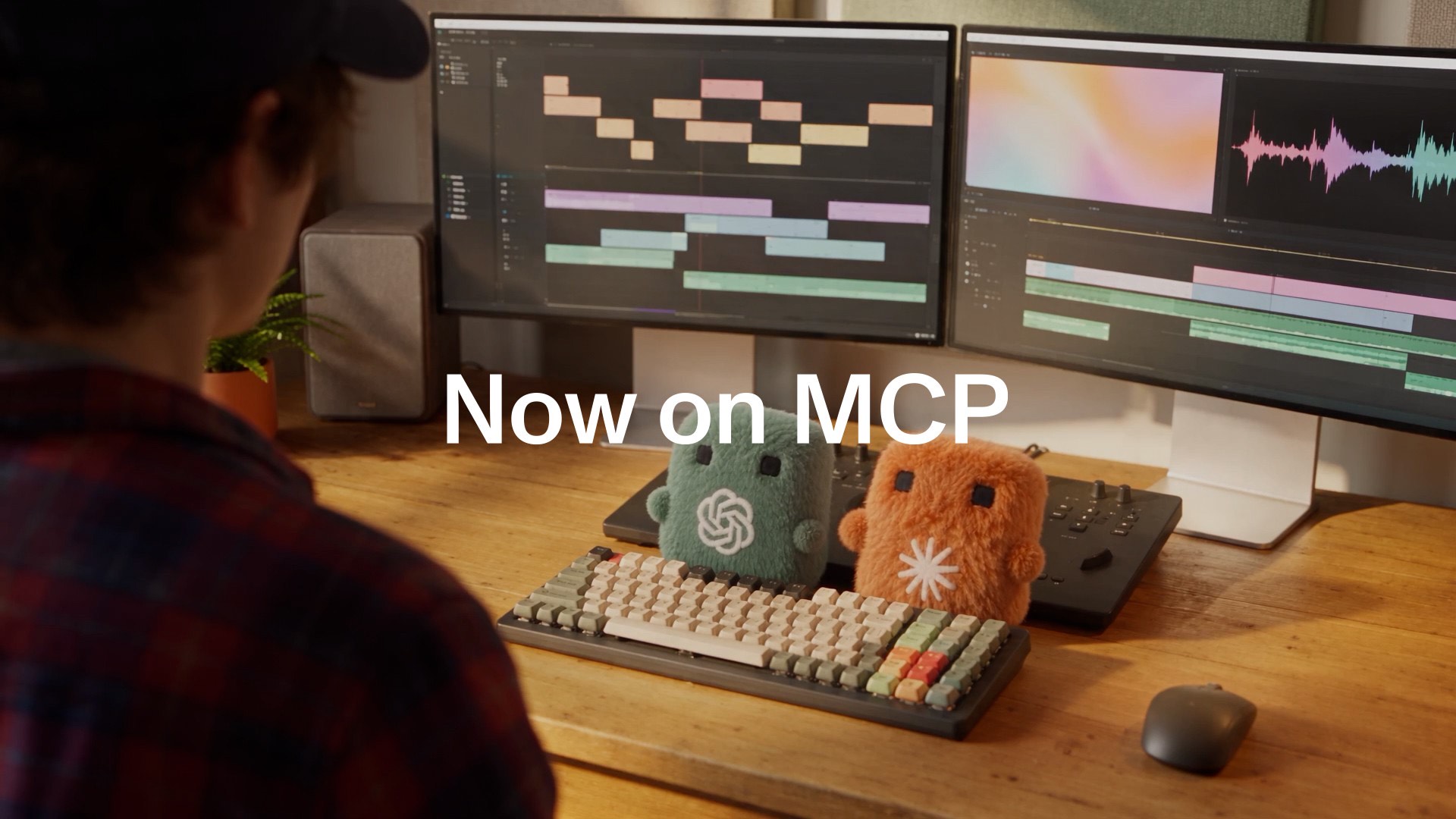
Make AI Video From Claude or ChatGPT
Your assistant can open the project you already have, make the next shot from a reference in it, and put the result back on the Canvas.
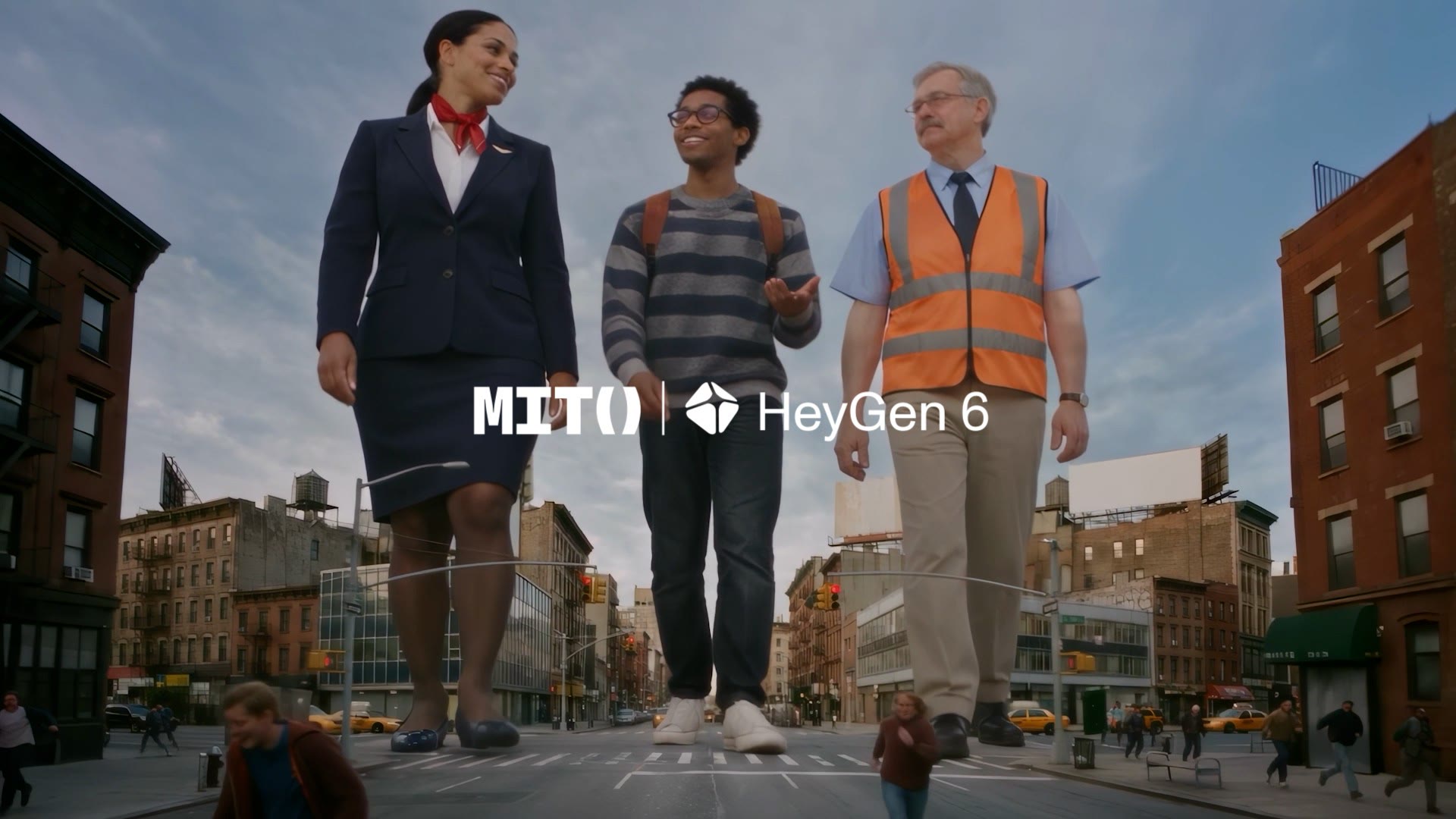
HeyGen 6 Avatars in Presenter Studio
More expressive avatars, in the same project as the rest of the film. Here is what changed, and what a take costs.
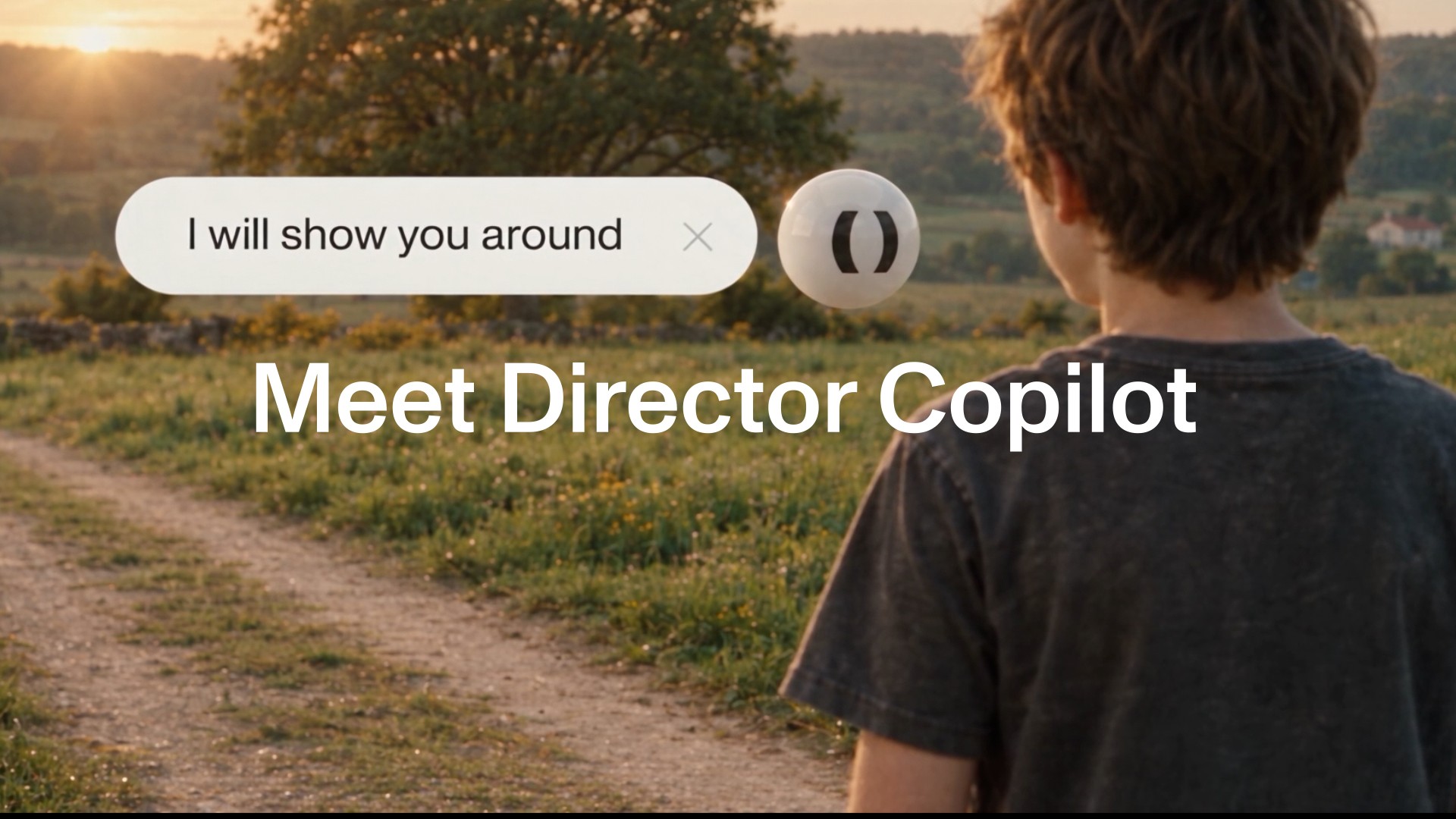
Director Copilot Shows You Where Things Are
MITO's Director Copilot answers a question about the app by pointing at the control on your screen, instead of describing where to click.
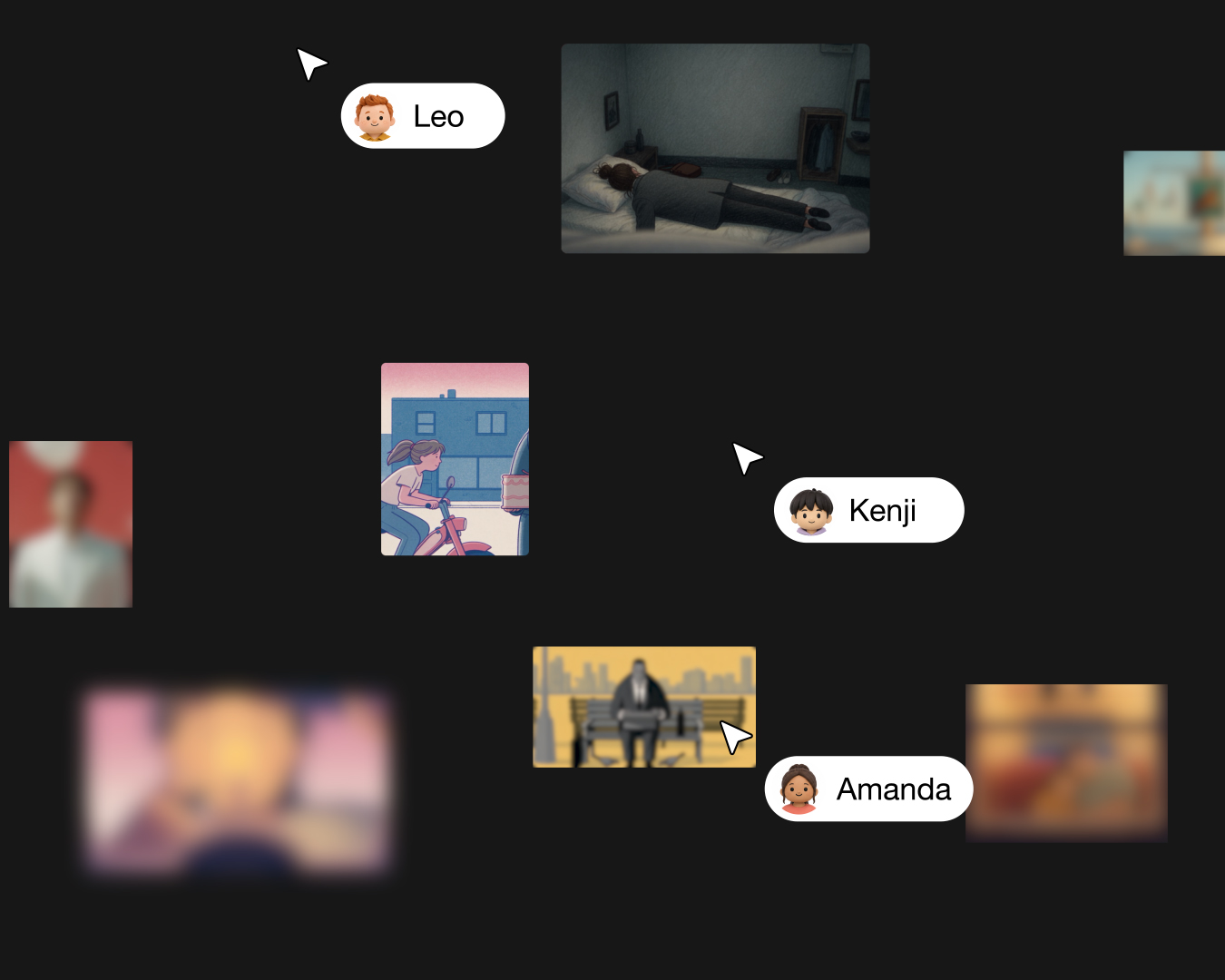
Folders and Permissions in MITO: Who Can See What
Two settings, one toggle. The useful part is that it shows you the consequences before you commit to them.
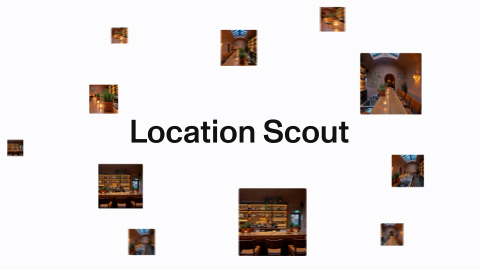
Introducing Location Scout: Keep Every Shot in the Same Place
One reference image only shows the model one side of a room. Location Scout gives it four, from a single camera move.
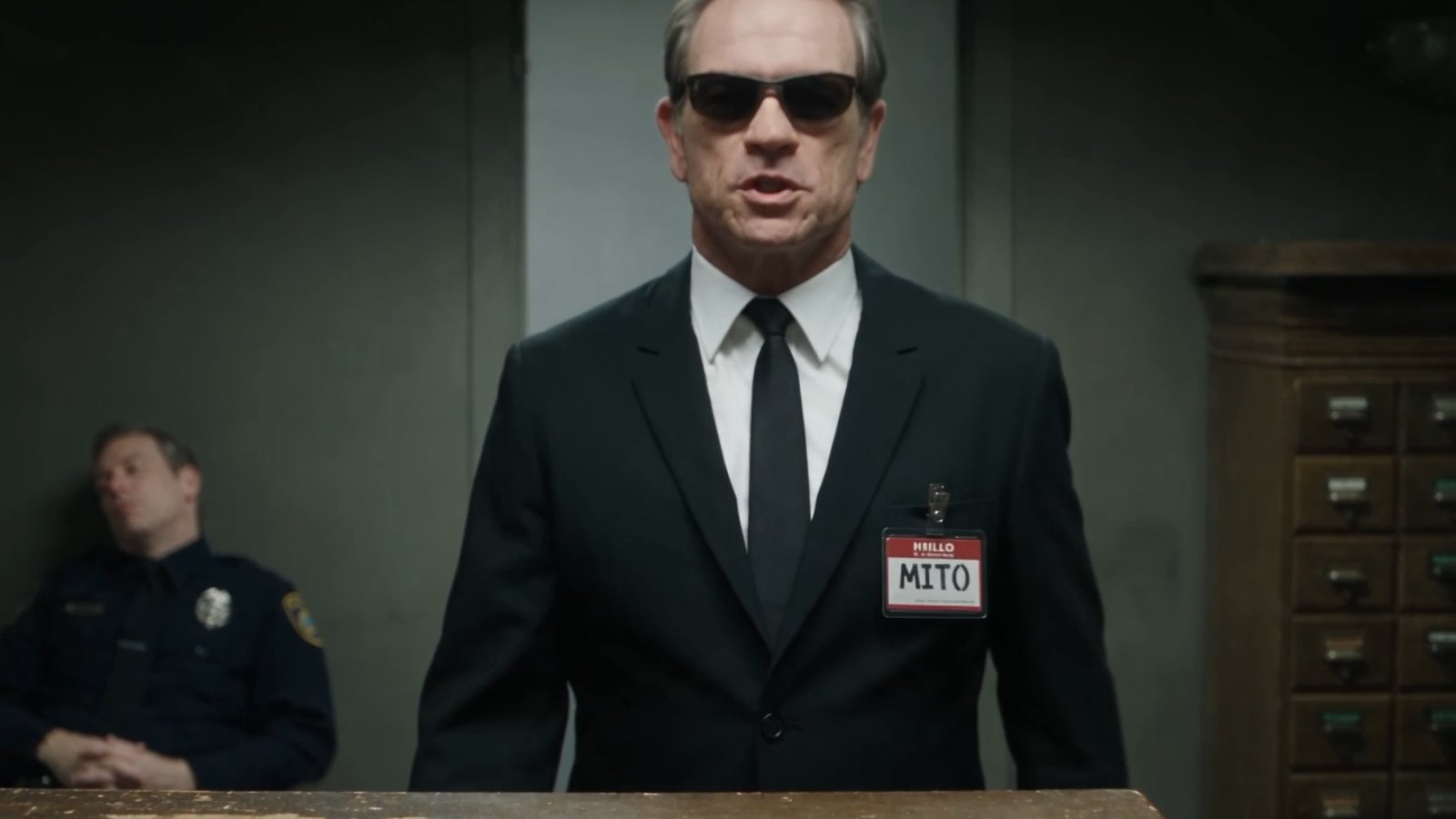
Keep the same character in every shot
Elements hold what stays constant. Your scene prompt tells MITO what changes now.
Introducing Director: the AI that picks the model and the settings
Director is MITO's creative copilot. You describe the video you want; it works out which models, settings and steps get you there. It has been sitting beside you in MITO Studio all along. We just never properly introduced it.

MITO Universe challenge: La Folie
The brief: interpret madness without depicting chaos. Your constraint is restraint. Two weeks, one concept, no rules about how you get there.

Our first day on set
The beginning. What it actually feels like to walk onto a production built entirely with AI tools — the setup, the surprises, and what we learned in the first hours.
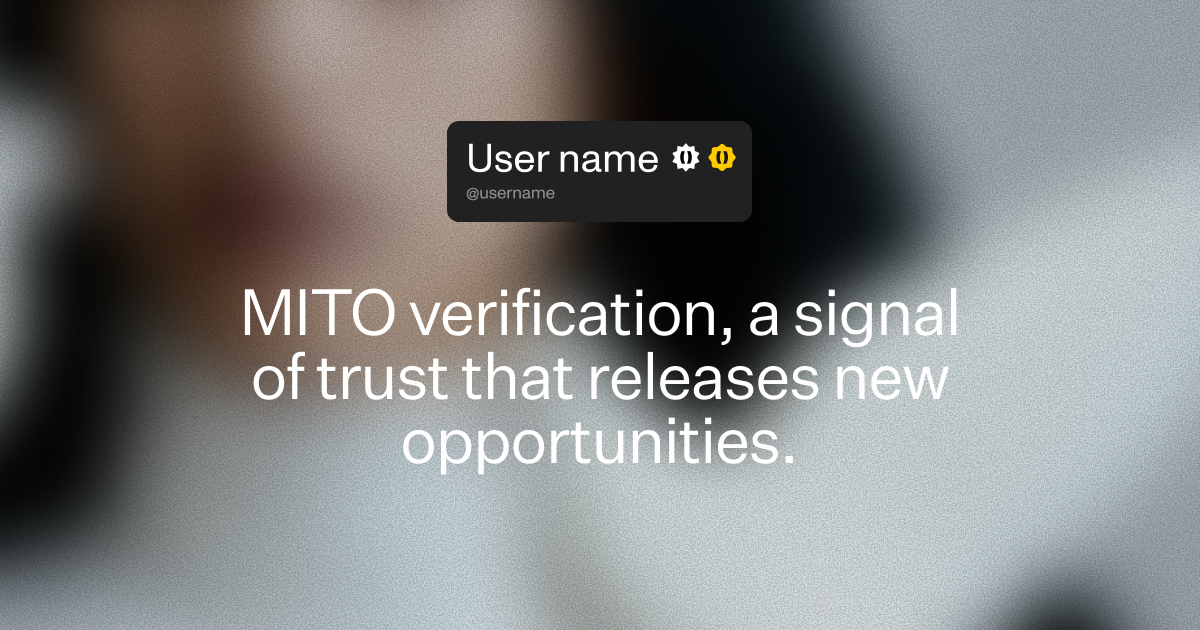
MITO Universe Verifications
A signal of trust that releases new opportunities.
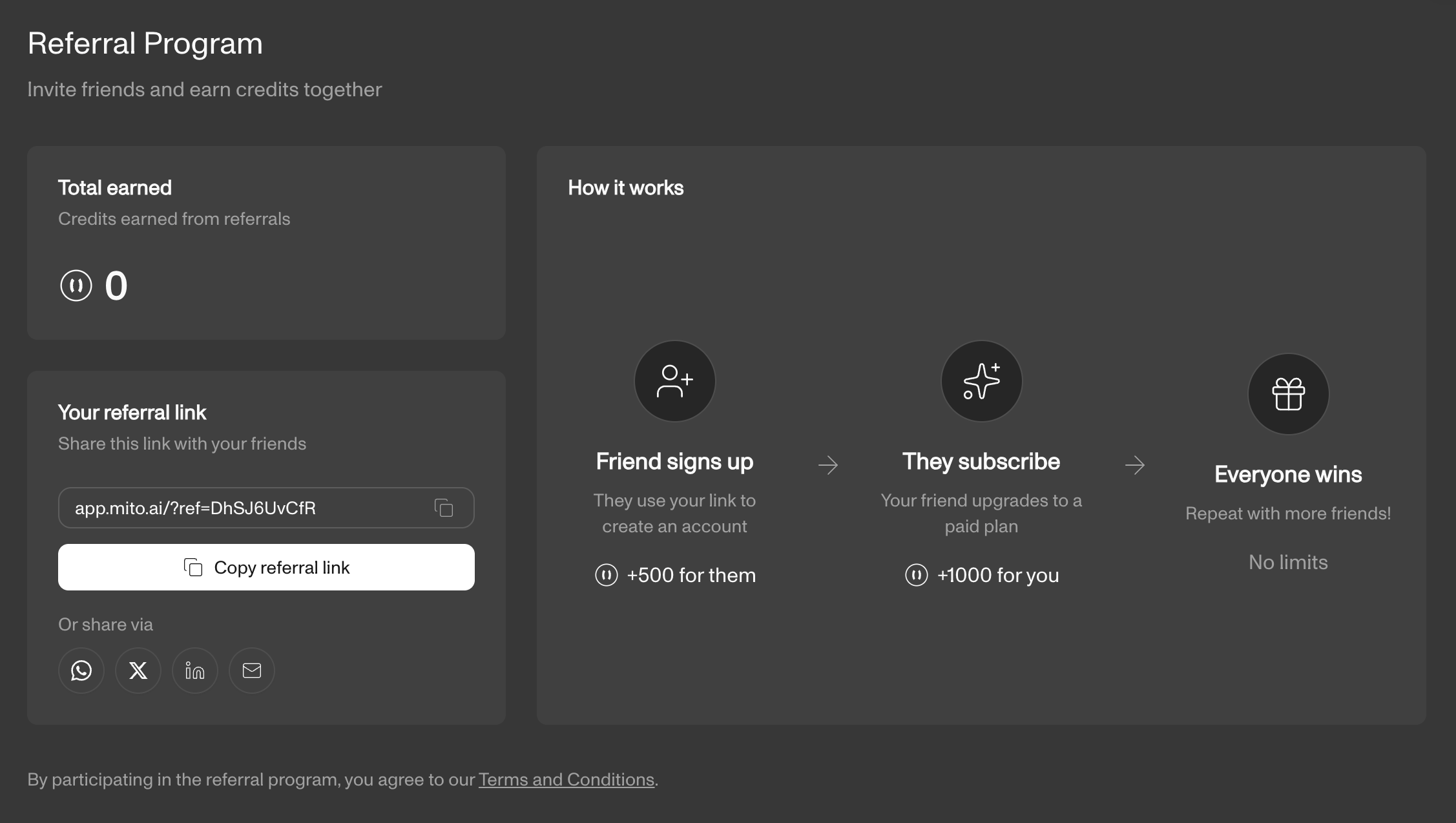
Earn Credits Through Referrals
Invite friends and colleagues with your referral link; when they subscribe to a paid plan, you both earn credits.
The AI tool for cinematic video.
Generate, direct, and publish professional videos, powered by the best AI models.