Advanced AI Video: Shot Planning, Multishot and the Timeline
Part one got you generating. This is the part that decides whether what you generate actually cuts together.
This is part two of making video in MITO. It covers the decisions either side of generating, which is where a set of clips either becomes a piece or stays a set of clips.
Read first. Generating images and video with Director is part one. It covers describing a shot and letting Director write the prompt, pick the model and run it. Everything below assumes you have done that at least once.
What you get here. When several shots belong inside one generation instead of three. How to spend the seconds across a piece. How to write an Element so a subject actually holds. What the cost quote is for. And how the timeline turns a pile of clips into something finished.
If you already work this way. Jump to the reading order at the end and find the gaps. For most teams they are the consistency tools and the full build, start to finish.
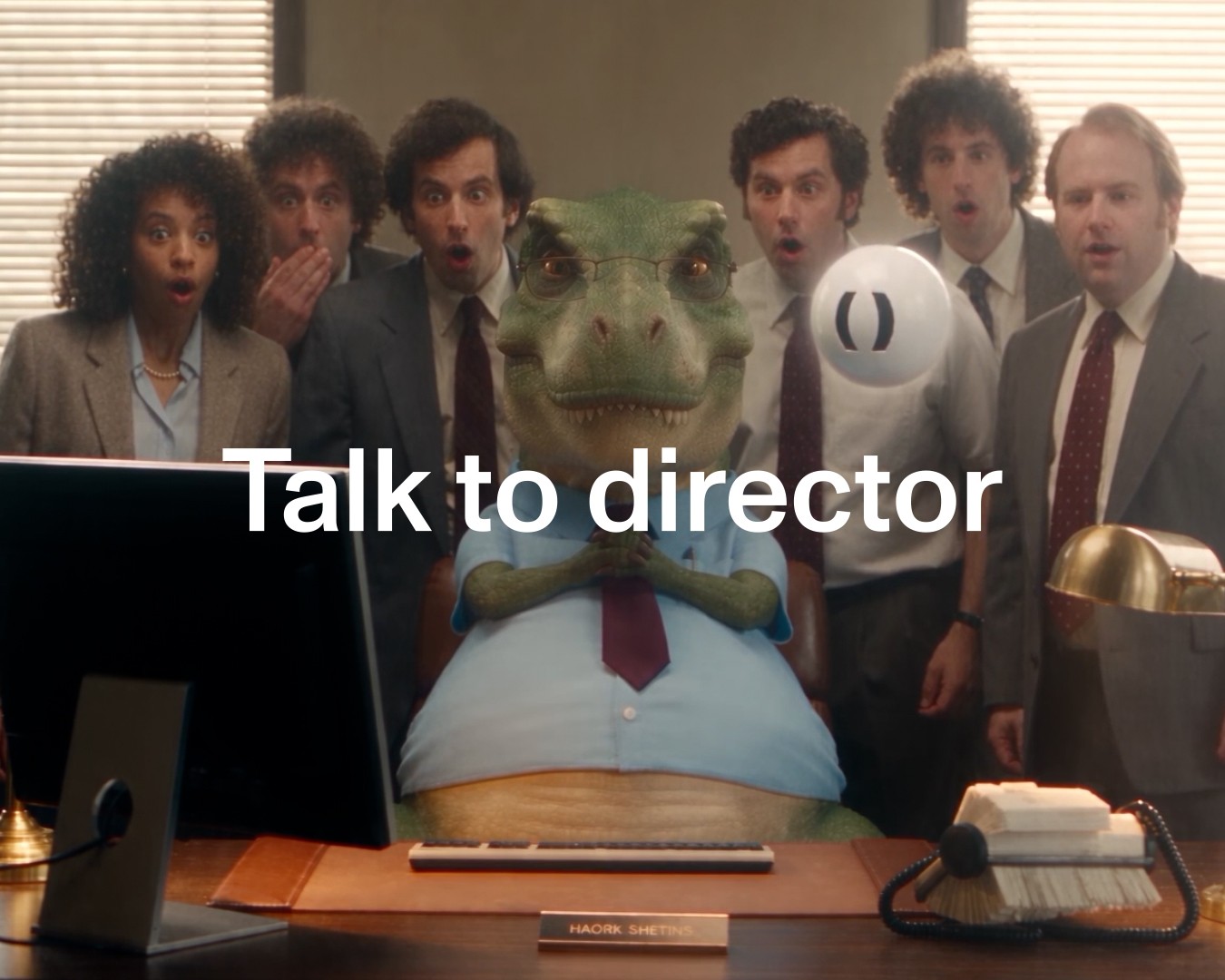
The film below is a 15-second commercial built end to end.
One generation, or several?
This is the decision that separates people who have made one good shot from people who have made something that cuts together.
The instinct is to generate each shot separately and assemble them. Sometimes that is right. Often it is the thing that breaks the piece, because every separate generation is another chance for the character, the props and the room to come back slightly different.
Director’s own reasoning on the commercial in the film:
One generated clip with five internal shots (prompt-based multishot). Reason: all five shots belong to one continuous moment at one desk with one character, so a single generation keeps the woman, the croissant and the room consistent. Splitting would only add continuity risk.
Five shots, one generation, because it is one moment. The test is not how many shots you want. It is whether the piece actually goes anywhere between them.
When it genuinely does move somewhere else, cut. That is what the timeline is for, further down. When it does not, keeping it inside one generation is free consistency, and consistency is the expensive thing. That is the same problem character consistency and start frames attack from the other direction.
Give every beat the time its action needs
The other half of the plan is where the seconds go. Director budgeted the 15 like this:
Establishing beat about 3 s; decision and pull about 3 s; tear and crumbs insert about 2.5 s; bite and relief about 3.5 s; end card about 3 s to read the name and line. Total 15 s. Each beat is sized to its action, not equal slots.
Five beats, five different lengths. The insert is the shortest because it is one small action. The bite gets the most because it has to land and then breathe.
Equal slots are the tell of a piece timed with arithmetic. If you only change one thing about how you plan, make it this.
Write your Elements, do not just show them
An Element holds a subject so it stays the same across shots. Most people give it a reference image and stop.
The giant croissant in this commercial is also written down:
A human-sized butter croissant about 1.6 metres long and about 60 centimetres across at its widest point, baked to look completely real. Classic crescent shape with 6 to 7 visible laminated ridges, deep golden-brown glossy egg-wash glaze with lighter honey-gold crevices, crisp flaky layers that shed crumbs, and a soft airy honeycomb interior when torn.
A reference image shows one angle in one light. The description covers the scale, the count, the finish and what the inside looks like when it is torn open, none of which a single photograph can tell the model.
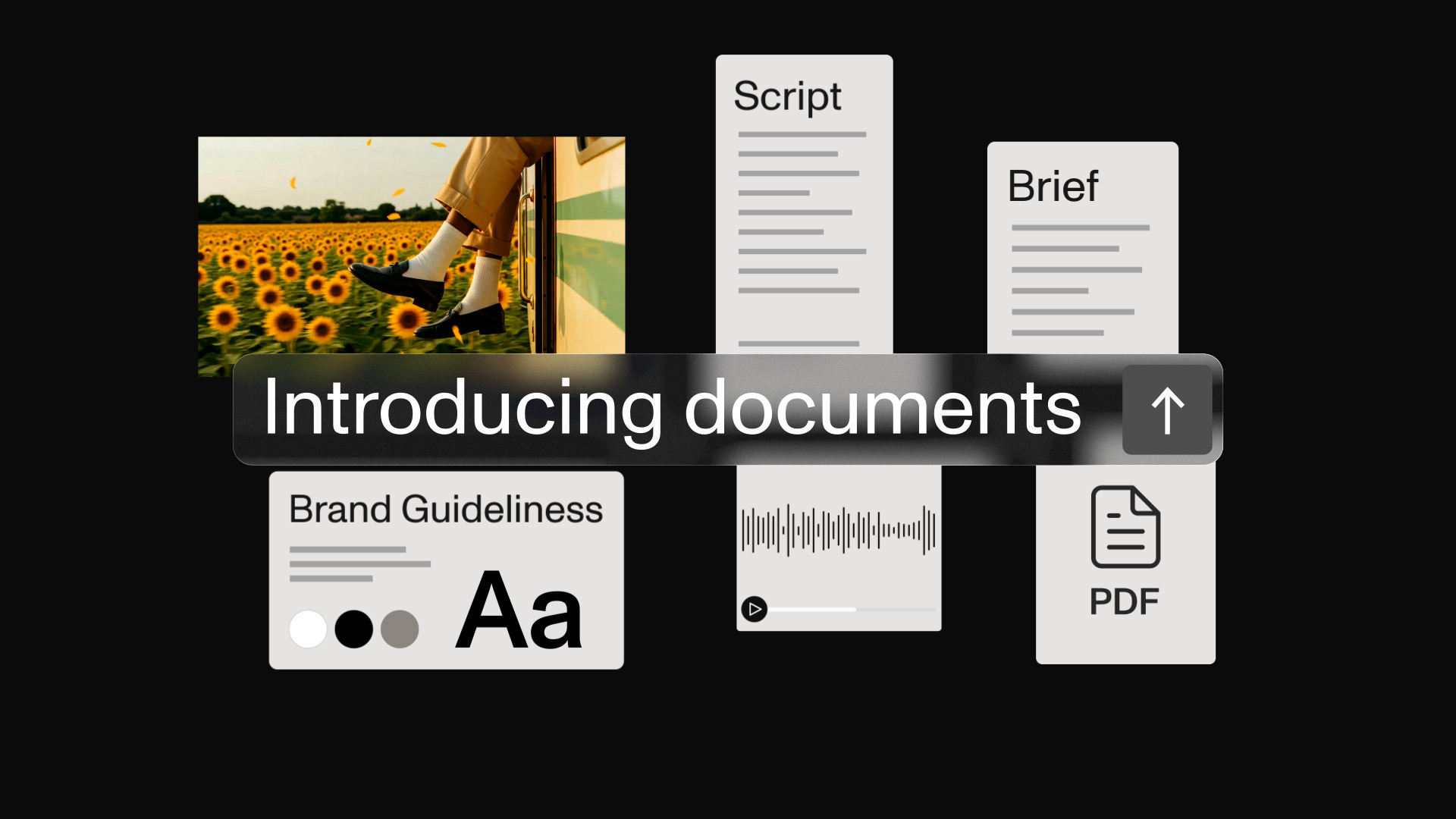
Same principle, three places it applies: subjects go in Elements, places go in Location Scout, and the rules that apply to everything go in a Document. The commercial in the film has all three, including a style document fixing the palette to desaturated office neutrals so the pastry is the warmest thing in every frame.
Know the bill before you generate
Video is priced per second and the models are not close to each other, so the gap between a cheap plan and an expensive one is large.
Director confirms resolution and exact cost with a quote before it runs the video step. The number arrives before the spend, not on the receipt.
Worth reading the quote rather than clicking past it. It is also where you see which model it picked and why, which on this piece was driven by the requirements: the runtime it needed, the ratio, multishot in the prompt, native audio and image references.
The timeline is where it becomes a piece
A single generation tops out well short of most finished pieces, so anything longer is assembled. That happens on the Timeline tab, and it is an edit, not a prompt.
What you get:
- A video track holding your clips end to end, each one named from the generation it came from, so you can see what you are looking at
- Separate audio tracks, with music or a voiceover running underneath independently of the picture
- Trimming, reordering and scrubbing, with a running total so you can see the piece against its target length
- Export when it is done
The film shows a score sitting on its own track under the cut, which is the normal shape: picture assembled first, sound laid under it, then trimmed against each other. If you need the music itself, that has its own guide.
A full piece built this way, from one sentence through to a finished timeline, is walked through in the explainer post.
What to read next
If you are onboarding a team, this is the order that works.
Start here. Generating images and video with Director is part one and assumes nothing.
Then the two that prevent most early problems. What a start frame is and how to keep characters consistent.
Then the consistency tools. Elements for subjects, Location Scout for places, Documents for the rules that apply to everything.
Then the rest, as you need them. Talking to Director instead of typing, directing motion with phone footage, making an avatar, choosing music, and how AI video works if someone wants the background.
The short version. Plan the moment before the shots. Keep a continuous moment in one generation. Size each beat to its action. Write your Elements down instead of only showing them. Read the quote. Then cut it on the timeline.
All of these walkthroughs are inside MITO too, under Tutorials in the sidebar.
Frequently asked
- Should I generate one long clip or several short ones?
It depends on whether the shots belong to the same continuous moment. If one character stays in one place, a single generation holding several internal shots keeps the person, the props and the room consistent. Splitting that into separate generations only adds the risk that things stop matching. Cut between separate generations when the piece genuinely moves somewhere else.
- What is multishot?
Several shots inside one generation, described in the prompt rather than cut together afterwards. The piece in the film is one 15-second clip carrying five internal shots, which is why the character and the set hold across all of them.
- How long should each shot be?
As long as its action takes, which is rarely the same for every shot. The 15 seconds in the film are split roughly 3s establishing, 3s decision, 2.5s insert, 3.5s bite, 3s end card. Equal slots are the giveaway of a piece that was timed by arithmetic rather than by performance.
- What goes in an Element besides an image?
A written description. The giant croissant in the film is specified down to its length, the number of laminated ridges, the glaze colour and what the inside looks like when torn. A reference image shows one angle. The words cover everything the image does not.
- How do I know what a video will cost before generating?
Director confirms resolution and the exact cost with a quote before it runs the video step, so the number arrives before the spend rather than after it.
- What is the timeline for?
Assembling and finishing. Clips sit on a video track, music and voiceover on their own audio tracks, and you trim, reorder and scrub before exporting. Anything longer than a single generation is a timeline job rather than a prompting problem.
- Do I still need to write prompts for this?
Less than you would think. Director does the shot planning, picks the model against the requirements and writes the prompts. The skill this post covers is reviewing those decisions, not replacing them.
- Where should a new team start?
With part one of this guide, then start frames and character consistency. Those three cover most of what goes wrong early. Come back to this post once your team is making pieces longer than a single clip.
The AI tool for cinematic video.
Generate, direct, and publish professional videos — powered by the best AI models.
More posts