Your Seventh Day in MITO: Where the Work Lives and How It Gets Reviewed
Reviews go faster when the feedback sits next to the work instead of in a thread somewhere else.
Day 7 of 8 in the MITO onboarding series. See all eight days →
Six days of making things. Today is the day they stop being yours alone.
Two halves. Where the work lives, and how feedback gets to it.
Projects and folders
Projects and folders, a minute and forty.
A folder groups projects and decides who can open them.
Public folder. Access comes from the workspace. The people already in it see the folder at the roles they already hold.
Private folder. Access runs off its own list, and only the people on it get in.
The longer version of this, including what happens to people’s access when you flip a folder from one to the other, is in folders and permissions.
Comments and reviews
Comments, links and access, a minute and a quarter.
Leave one. Right-click anywhere on the canvas and choose Add comment. The Comment tool in the bottom toolbar does the same, and so does pressing C.
Reply inside it. The whole conversation stays in one thread, attached to the thing it is about. When the note has been handled, Mark as resolved closes it.
Then send a link. This is the step people miss. Comments do not notify anyone. Three dots on the comment, Copy private link, send it. Whoever has access to the project opens it and lands directly on that comment rather than hunting for it.
Three levels of access
Share, top right, switches the project between Public and Private and takes an email address.
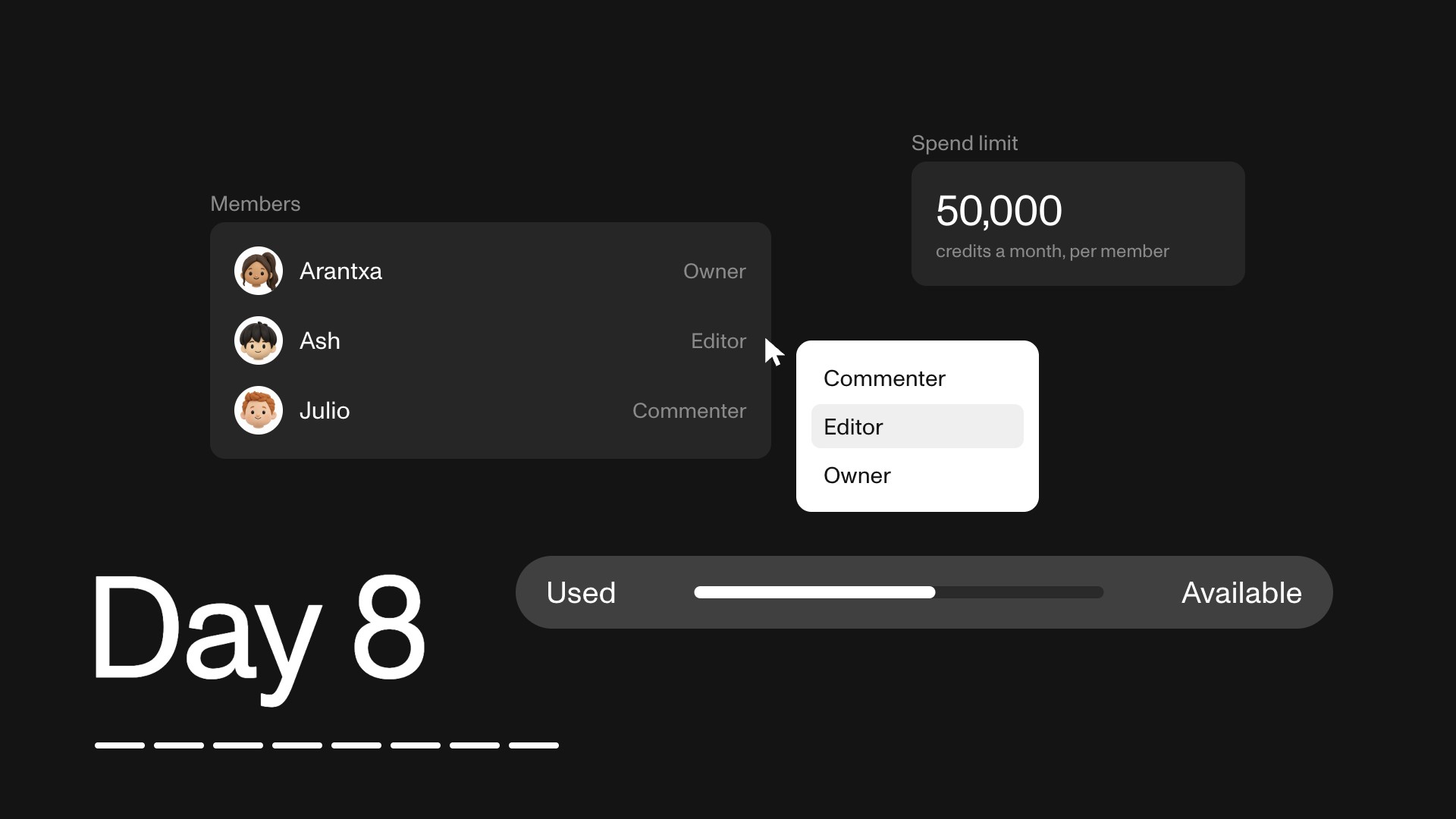
- Viewer. Sees the project. Cannot comment, cannot spend credits.
- Commenter. Sees and comments. Cannot spend credits.
- Editor. Edits the project and spends credits. Cannot create new projects.
For a client or a stakeholder, Commenter is almost always right. They can see everything and say what they think, and nothing they do touches the credit balance.
Before you close the tab
Put your projects in a folder and decide whether it is public to the workspace or private to a list.
Then invite one teammate as a Commenter, leave a comment on something, and send them the private link. The point is not the comment. It is watching feedback arrive in the same place as the work, which is the thing that quietly removes a whole round of email.
Tomorrow is the last day: the workspace itself, credits, spend limits, and what to learn next.
The short version. Folders decide who can open what. Comments live on the canvas and do not notify, so copy the private link. Viewer sees, Commenter comments, Editor spends.
All of these walkthroughs are inside MITO too, under Tutorials in the sidebar.
Frequently asked
- What is a folder for in MITO?
Grouping projects and deciding who can open them. A public folder takes its access from the workspace, so the people already in your workspace see it at the roles they already hold. A private folder runs off its own list.
- Does a public folder mean public on the internet?
No. Public means shared through your workspace. Nothing about it is visible outside it.
- How do I leave a comment?
Right-click anywhere on the canvas and choose Add comment, type it and post. The Comment tool in the bottom toolbar does the same thing, and so does pressing C.
- Can people reply to a comment?
Yes, inside the comment itself, so the whole exchange stays in one thread next to the thing it is about. When it has been dealt with, click Mark as resolved.
- Does commenting notify anyone?
No, and this is the one that catches teams out. Comments do not notify on their own. Click the three dots on the comment, choose Copy private link, and send it. Anyone with access to the project opens it and lands on that comment.
- How do I control who sees a project?
Share, top right. From there you switch the project between Public and Private, and invite people by email.
- What can a Viewer do?
See the project. They cannot comment and they cannot spend credits.
- What can a Commenter do?
See the project and comment on it. They cannot spend credits, which makes this the right level for a client or a stakeholder who needs to give feedback but should not be generating.
- What can an Editor do?
Edit the project and spend credits. They cannot create new projects.
- Which role should a client get?
Commenter, almost always. They can see the work and say what they think, and the credit line stays where you put it.
The AI tool for cinematic video.
Generate, direct, and publish professional videos — powered by the best AI models.
More posts