AI Video Tools for a Fashion Launch
Five tools, five starting points. A garment test decides which claims survive contact with your product.
There is no best AI video tool for a fashion launch, because a launch is not one asset. The product page wants a clip that shows how a fabric moves. Paid social wants a hook. The campaign film wants a concept that survives three rounds of client notes. Those are different jobs, and the tools built for them are different tools.
Start from the asset you need, then test the same approved garment in every finalist and inspect the product frame by frame.
Start from the asset
| What you need to ship | Where to start | What to test with it |
|---|---|---|
| Short product clips from an approved photo | FASHN | Whether print, colour, seams and hardware survive the motion |
| A launch teaser built from one product shot | The New Black AI’s Fashion Ad | Whether a fixed 15, 20 or 30 seconds fits the brief, plus the generated voice and music |
| Creator-style try-on for paid social | Fash Studio’s UGC Try-On | Whether a synthetic creator suits the brand, and whether the garment reads as worn |
| Editorial movement from lookbook stills | Runway | Whether the garment and the model hold across the shots you picked |
| A campaign from brief to approved cut | MITO | Whether planning, references, generation and review in one project match how your team signs off |
These overlap, and the overlap is where teams pick wrong. A fashion-specific product generator is not automatically a campaign tool. A general video workspace is not automatically the safest route to SKU-accurate footage. The question is not which is better. It is which job you are doing this week.
Check the garment first
For a collection launch the garment usually is the product. That makes fidelity the first question, not a detail to check at the end.
Every provider claims it. FASHN says it is built to keep products true to your photos, from colour to print. Runway says reference images lock the cut, print, colour and details. Fash Studio says the AI is barred from inventing materials, measurements or performance claims. These are reasonable claims and they are also marketing copy. None of them is evidence about your dress.
The failure is quiet. A clip does not come back obviously broken. It comes back beautiful, with the stripe running two degrees off, or a button moved, or a seam that resolves into something the factory did not make. On a product page that is a returns problem, not an aesthetic one.
Start-and-end control is worth more than it sounds. FASHN lets you choose where a clip starts and where it ends, which is the difference between a usable product-page loop and a clip that drifts somewhere you did not ask for by second four.
Run a garment test
Pick one real, approved product where fidelity actually matters. A patterned dress, a tailored jacket, a bag with recognisable hardware. Not your simplest piece.
Ask each tool for one restrained movement first, a slow turn or a gentle push-in, before testing anything complicated. Then look at the first, middle and final frames and check:
- Colour, pattern alignment, material, seams, buttons, labels, silhouette
- Whether the garment changes shape or detail as the model moves
- Whether the model and the look hold across versions, along with styling, lighting and background
- Whether the clip shows the item honestly, without implying a fit or a feature the real product does not have
- Whether the export fits the placement and can be finished in your existing edit
Reject anything that makes the product look materially different. For logos, small text and product claims, use authorised artwork and a human review rather than trusting generated frames. Character and product sheets are the practical version of this inside a project: build the reference once so every shot works from the same approved source.
Campaign work is different
Some launches need a film that builds a world around the collection, not a moving product shot. That is a different problem and it has different failure modes, mostly organisational.
Runway is worth testing for editorial treatments and for putting lookbook stills into motion. Its fashion page describes animating stills, directing model and fabric movement, keeping one consistent model across scenes, and full commercial rights on output.
MITO is built around developing and reviewing a whole project. Director handles concept, script and storyboard. References, generations and feedback live on one canvas the team and the client can both open. Every model sits in the same place, so you are not exporting between tools to compare one. None of that establishes product fidelity on its own, so test the generation model on the garments that matter.
Worth being precise about the evidence here. The films on MITO’s fashion page are real client work: Zara’s “Le Dîner”, Golf le Fleur’s “Maritime”, Laagam’s “The Window”. The Carlota Seller story documents a Repetto fashion film built the same way, with brand research, planning stills as shots, then finishing in MITO, and the piece says plainly that it was a conceptual exercise in creative direction rather than a commercial campaign. That is process evidence. It is not a campaign result, and reading it as one is how teams end up disappointed.
Count the cost of approval
The cheapest generation is rarely the cheapest finished asset.
For one product, count the subscription or credits, the retries, upscaling, editing, review time, and any extra work to fix details. Then compare the cost of the clip that actually passes approval.
To keep the test fair:
- Give every platform the same source image, brief, duration and placement
- Record how many generations and revisions it took to reach something acceptable
- Have the same reviewer score garment accuracy, direction, continuity and ease of approval
- Check exports in the intended channel, at the size people will actually see them
- Compare total time and cost per approved clip, not per first generation
Published costs help here when a provider gives them. The New Black AI’s Fashion Ad shows its price on the button before you generate, currently 33 credits for 15 seconds, 44 for 20 and 66 for 30 at 720p, and double that at 1080p. FASHN prices video per second by resolution with sound included. Either way, the number that matters is the one after retries.
If a tool makes attractive footage but needs extensive product correction, it belongs in concept work rather than on a product page. If another makes quick catalogue clips but cannot carry the story or the approval flow, pair it with something that can.
Check rights before uploading
Before any launch asset goes into any platform, check the terms for the exact product and plan you are on. Three things are separate and teams routinely conflate them.
Can you upload this? Client and model permissions have to cover the intended use. FASHN states on its video page that using a real person requires the rights to the photo and their consent where the law requires it. Having access to a file is not permission.
What happens to the upload? FASHN’s terms say content may be processed using a combination of its own technology and third-party AI services. If your launch is under embargo, that is a question for whoever signs off on confidentiality, not a detail.
What do you get out? The same terms say outputs may not be unique, that other customers may receive the same or similar outputs, and that FASHN does not guarantee an output is protected by intellectual property rights or that using it will not infringe someone else’s. That is unusually candid and it is broadly true of generated output everywhere, whether or not a provider writes it down.
Then check commercial use, redistribution, music and voice rights, and any disclosure a market requires for synthetic people. A provider’s general statement about commercial use does not establish permission for every uploaded image, model, voice or placement.
A practical shortlist
- Short, image-led product clips for product pages and social: test FASHN
- A guided product-photo-to-ad workflow with voice and music: test The New Black AI
- Creator-style try-on variations, once you have decided a synthetic creator fits the brand: test Fash Studio
- Editorial movement and campaign scenes from lookbook imagery: test Runway
- A project that needs planning, storyboards, references, several models and client review together: test MITO
For most collection launches the answer is two tools rather than one all-purpose tool: something fashion-specific for product clips, plus a workspace where the campaign gets developed and approved. Pick for the work your team actually ships, and let a garment test decide which claims hold.
Whichever you land on, upload the brand guidelines before you generate anything. Most of what reads as a model problem is a missing reference.
A note on claims
Everything above about other providers was read off their own pages on 24 November 2026, not tested independently. Product pages move: FASHN’s video page has already changed address and dropped the fixed clip lengths it listed three weeks ago. Check the current page before you buy or publish: FASHN, The New Black AI, Fash Studio, Runway.
What moves slowly is the shape of the problem: which asset you need, whether the garment survives, and what an approved clip really costs. That is what this post is built on.
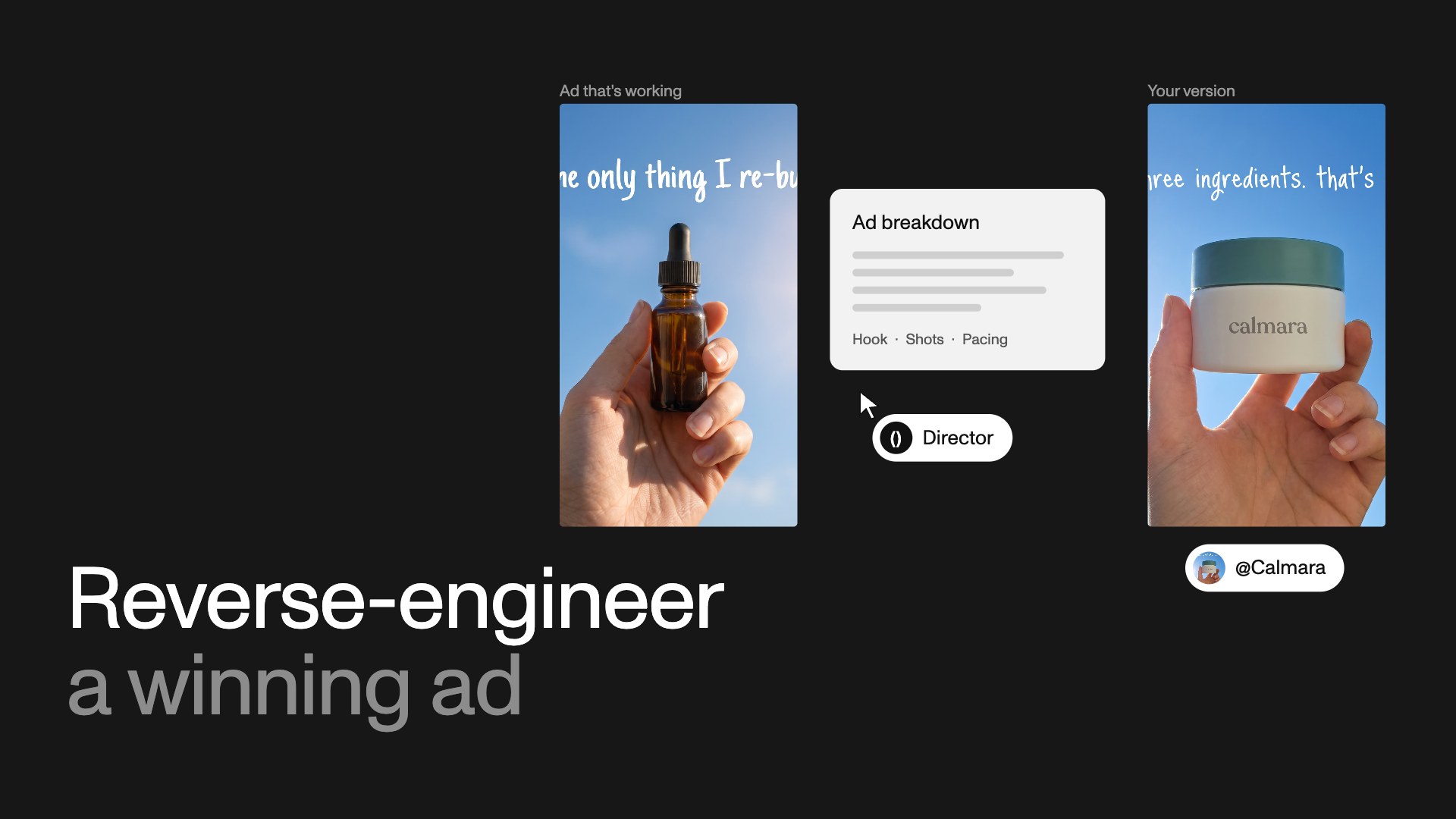
Director plans the shoot, the canvas holds the references, and the team reviews in the same project. Keeping a garment right across every shot starts with one approved reference.
Frequently asked
- What is the best AI video tool for a fashion collection launch?
There isn’t one, because a launch is not one asset. Use a fashion-specific generator for product clips, a guided ad workflow for a launch teaser, a creative platform for editorial motion from lookbook stills, and a production workspace when the hard part is getting a concept through scripting, storyboarding and client review. Most brands end up using two.
- Will AI keep my garment accurate in a video?
Not reliably, and this is the thing to test first. A clip can look polished while quietly changing a print, a seam, a closure, a colour or a silhouette. Every provider claims fidelity; run one real garment through each shortlisted tool and inspect the first, middle and final frames before you believe any of them.
- Can I use AI fashion videos in paid ads?
Usually yes on a paid plan, but check three separate things: the provider’s commercial-use terms for your plan, whether you hold the rights to every image you uploaded, and whether the markets you are advertising in require disclosure of synthetic people. A provider granting commercial use does not grant you rights to someone else’s photograph.
- Do I need permission to use a model's photo in an AI video?
Yes. You need the rights to the photograph and the person’s consent for the intended use, and having the file is not the same as having permission. FASHN states this directly on its video page: to use a real person you need the rights to the photo and their consent where required by law.
- How much does an AI fashion video cost?
Compare the cost of a clip that passes approval, not the cost of one generation. Count retries, upscaling, editing, review time and any work to fix product details. A tool with the cheapest per-clip price can be the most expensive route to an approved asset if the garment needs correcting every time.
- Is a synthetic creator the same as user-generated content?
No. A synthetic presenter is generated, not filmed by a customer, and it is not an endorsement. The format can work for creative testing on social, but it does not replace an authentic creator partnership, and some markets require you to say the person is not real.
The AI tool for cinematic video.
Generate, direct, and publish professional videos, powered by the best AI models.