Choosing an AI Presenter Generator
Run the same script through your shortlist. The best-looking demo is rarely the best fit for a team.
Choose an AI presenter generator by testing the same script against your actual production requirements. Check presenter quality and reuse, voice and language performance, permission to use a person’s likeness, the cost of revisions, and how the finished take fits into the rest of your video. The best-looking demo is not necessarily the best fit for your team.
An AI presenter generator creates a video of a digital person speaking to camera. That is different from an AI presentation generator, which creates slides. This guide is about the person on screen.
Start with the video
A product explainer may need a presenter, screen recordings and clear voiceover. A paid social ad may need a convincing close-up, a vertical frame and several versions of the opening line. A training team may need a reusable presenter, approved translations and delivery to a learning management system.
Write down the final destination, video length, required languages, aspect ratios and review process before you compare anything. If your video needs more than a talking head, test the work around the presenter too.
Test more than one take
Choose a presenter who fits the audience and the message. Compare stock presenters with a custom presenter made from an image or a recording, if the platform offers one. Check what source material is required, which looks work with the model you want, and whether the same presenter can be reused in later projects.
Generate at least two takes with the same presenter and different lines. Watch the full clip for lip sync, facial expression, eye contact and gestures. A still frame can look convincing while the performance does not.
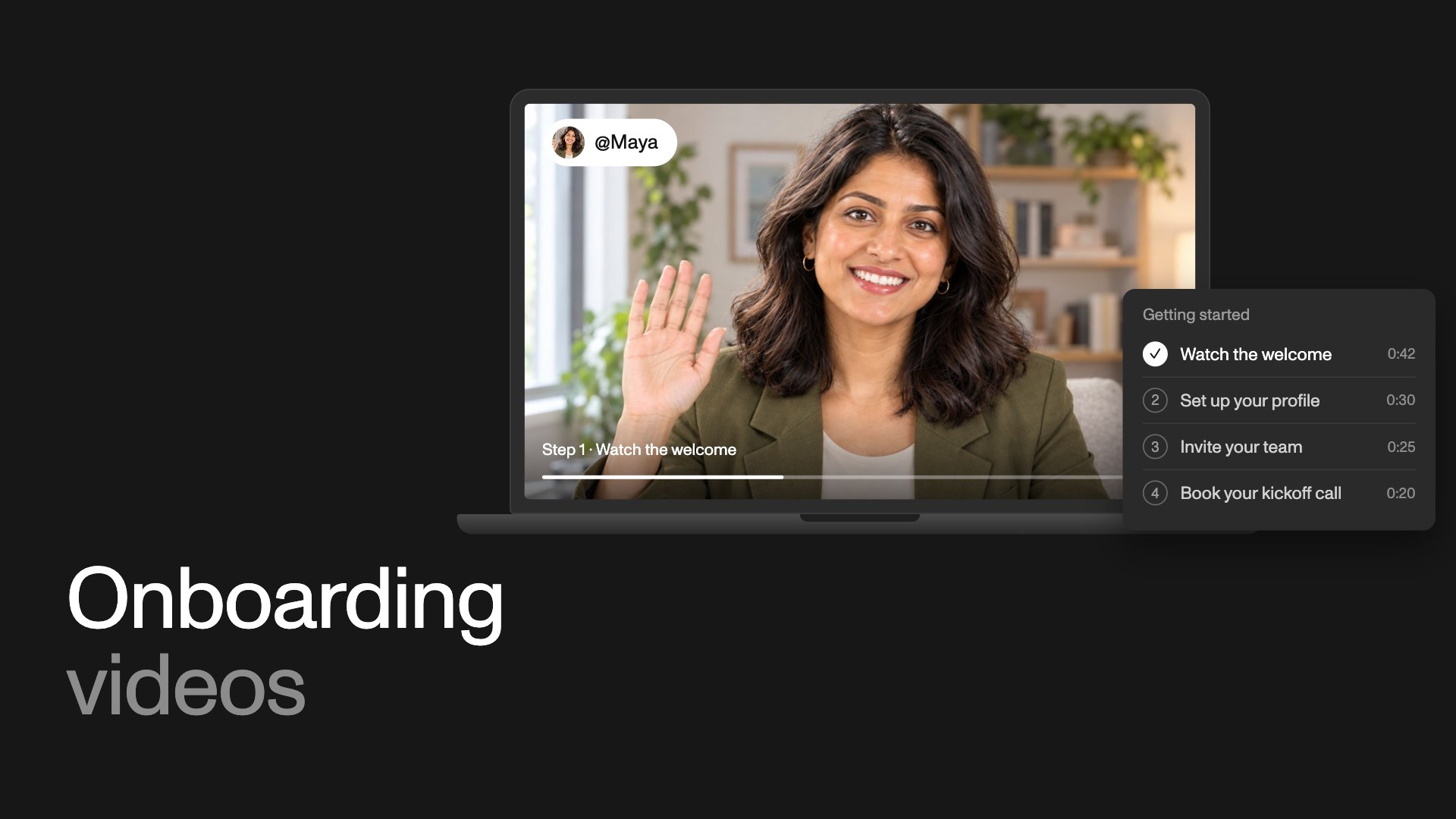
Presenter Studio lets you choose a presenter or upload a photo of yourself, or of someone who has given permission. Avatars you create are saved for later videos. For HeyGen Avatar 6 in MITO, not every avatar look is compatible, so check the model is available for the look you want.
Run your own script
Use a script with your product name, a person’s name, a number and any technical terms your audience needs to understand. Listen for pronunciation, pacing and emphasis, then check the mouth against the speech. If you publish in more than one language, have a fluent reviewer check each version.
Ask whether you can type a script, choose a voice, upload a recording, or use a consented voice clone. Those are four different inputs, and a good stock voice sample does not tell you how your own script will sound.
In Presenter Studio you can type a script and pick a voice, or supply a recording. The page lists 175+ languages and dialects. Check your chosen voice and language together rather than assuming every voice carries every language.
Consent, rights and data
Get explicit permission before creating or sharing an avatar of another person, and before cloning someone else’s voice. Record what the person agreed to, including the intended channels, uses and duration. Having a photo is not permission to use a likeness in an ad.
Check the provider’s current terms for commercial use, paid advertising, client work and any stock-presenter restrictions. Ask how photos, voice recordings and scripts are stored, whether they are used for model training, who can see them, and what happens when you delete them. The answers can vary by plan and contract. For sensitive client work, have legal or privacy review the terms.
MITO’s terms of service say that unless you are on a paid subscription plan, you will only use the Services for your own internal purposes and not on behalf of or for the benefit of any third party. Check the terms and the model’s own license against your intended project before you publish.
If a video could imply a real person’s endorsement, confirm both the permission and the disclosure the channel and audience require. Do not present a synthetic testimonial as a real customer.
Cost a finished video
Compare the whole job, not the subscription price. Ask how the provider charges for duration, model, resolution, voices and seats, and whether a corrected line means paying for another generation. Include the takes you throw away, the translations, and any extra visuals or editing the video needs to be finished.
For a rough figure, add the cost of every take and any voice or asset charges, then divide by the number of finished videos you expect to keep. Record credits and cash separately unless you know what those credits cost you.
For example, a ten second 1080p take is 500 credits on HeyGen Avatar 6 Turbo and 1,000 on Avatar 6. Three takes is 1,500 or 3,000 credits, before any voice or asset charges on top. Rates and plans change, so read the estimate shown before you generate and the current pricing.
Test what happens after
Ask what happens once the presenter stops speaking. Can the team add the footage and visuals the video needs, review it together, make revisions and deliver in the required format? Check captions, accessibility, exports, integrations and any learning-management requirements one at a time, rather than assuming a presenter generator includes them.
MITO is worth a look when the presenter is one part of a larger video. Presenter Studio generates the take inside the MITO project, next to the other scenes and the edit, on a canvas and timeline the team shares and clients can comment on. The collaboration page and the current plan details cover the access your team needs.
If a SCORM package, a particular LMS integration, a large stock-avatar catalogue or automated production is non-negotiable, verify that with each vendor directly before committing. Presenter Studio avatars are not reachable through MITO’s MCP server. The HeyGen 6 models offer 1080p and 2K, not 4K, so confirm the output you need before producing a campaign.
The same test, every tool
Pick two or three tools and use the same short script, target language and intended aspect ratio. Keep it close to a real job rather than comparing vendor demos.
- Generate a presenter delivering the script. Check the full take for lip sync, expression and pronunciation.
- Change one line and make another take. Note what the revision cost and how long it took.
- Reuse the same presenter in a second video. Check the result still fits your brand.
- Add the visuals, captions and review steps your final video needs. Confirm the export.
- Write down the total cost, the permissions, and anything still unresolved on privacy or licensing.
Pick the tool that clears your non-negotiable rights and delivery checks first, then produces the strongest result for the way your team actually makes video.
Frequently asked
- What should you look for in an AI presenter generator?
Test the same script against your actual production requirements. Check presenter quality and reuse, voice and language performance, permission to use a person’s likeness, the cost of revisions, and how the finished take fits into the rest of your video. The best-looking demo is not necessarily the best fit for your team.
- What is the difference between an AI presenter generator and an AI presentation generator?
A presenter generator creates a video of a digital person speaking to camera. A presentation generator creates slides. They are different tools for different jobs, and the names are close enough that teams order the wrong one.
- Can I use the same AI presenter in multiple videos?
That depends on the tool and the presenter. Check whether the avatar is saved, which models support it and whether its license permits the planned use. In MITO’s Presenter Studio, avatars you create are saved so you can use the same presenter again.
- Can I use my own voice with an AI presenter?
Some tools accept an uploaded recording; others also offer voice cloning. These are separate features, so verify which one the tool supports. Presenter Studio accepts a speech recording as an alternative to typing a script and choosing a voice. Get explicit permission before cloning anyone else’s voice.
- How much does an AI presenter video cost?
It depends on the provider, video length, model, resolution, voice and number of attempts. Compare the cost of a usable finished video, including revisions, rather than the cost of one ideal take.
- Do I need permission to make an AI presenter of someone?
Yes. Get explicit permission before creating or sharing an avatar of another person, and before cloning their voice. Record what they agreed to, including the channels, uses and duration. Having access to a photo is not permission to use someone’s likeness in an ad.
The AI tool for cinematic video.
Generate, direct, and publish professional videos, powered by the best AI models.