tutorials
Step by step: create your first cinematography project with MITO
Every film begins the same way: with a decision about how to enter the material. A complete walkthrough from brief to final export.
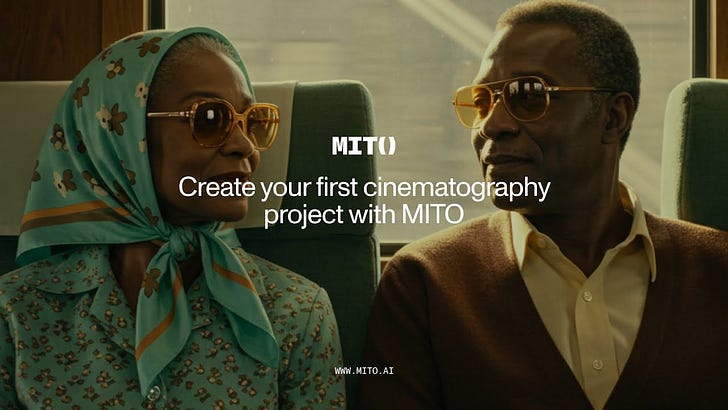
Every film begins the same way: with a decision about how to enter the material.
Not a prompt. Not a model choice. A decision about what you’re trying to make and why it matters enough to make it.
This tutorial covers the full workflow — from blank brief to exported sequence.
Before you open MITO
Write the brief. One paragraph. Answer three things:
- What is this about? (Not the subject — the argument.)
- Who is watching, and what do you want them to feel at the 30-second mark?
- What’s one thing this piece must never look like?
The third question is the most important. Constraints are faster than freedom.
Setting up your project
Create a new project in MITO. Name it after the argument, not the client.
Set your output format first. Aspect ratio, duration, delivery spec. These constrain your generation in ways that save time downstream.
Building your reference system
Upload your references before you generate anything. MITO reads visual context better when it has something to orient against.
For a cinematography project, you want:
- 2–3 lighting references (not mood boards — actual production stills)
- 1 color palette anchor
- 1 movement reference (if you’re generating video)
The generation workflow
Shot 1: Wide establishing. Set the world before you put anyone in it. Generate 8 variants. Choose the one with the most interesting negative space.
Shot 2–4: Character introduction. Apply your avatar spec (see avatar tutorial). Focus on the relationship between the character and the environment, not the character alone.
Shot 5+: Build rhythm. You’re editing now, even if you’re still generating. Think about what comes before and after each frame.
Exporting
Export in the highest quality your delivery spec allows. Don’t compress for delivery until you have final approval.
Keep all source files. Generations are not reproducible to the pixel — your source is the only artifact that matters.
What makes a good first project
Not the technical quality of the output. The sharpness of the constraint.
The best first projects have a single clear argument and resist the temptation to say more than one thing. That discipline is harder to develop than any technical skill.
Make something small. Make it exactly what you said it would be.
The AI tool for cinematic video.
Generate, direct, and publish professional videos — powered by the best AI models.
More posts
tutorials
 tutorials