Angle, light and lens
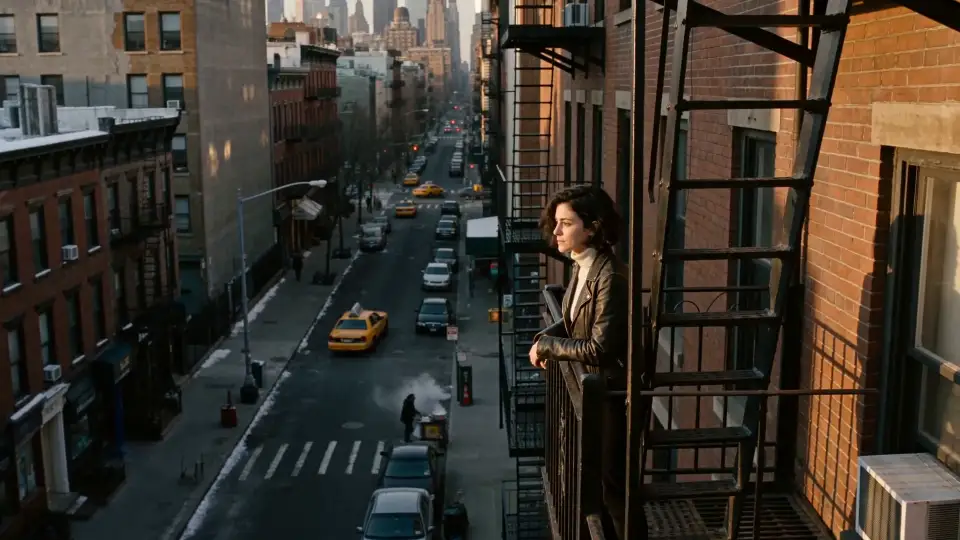
Open any shot and change the camera angle, the lighting or the lens until it's right. The rest stays as it was.
Skills & elements
Elements keep your cast, places and look the same across a project. Skills give you a filmmaker's control over each shot.
Make them once. Director uses them wherever they belong.
One face, the same from the front, the 3/4 and the profile, under any light. Build it with Character Sheet.
Set the place before the first frame and keep every shot in it. Build it with Scene Builder.
Lock the look of a campaign, its palette, grade and texture, so every shot belongs together.
Bring your product in as a reference and it stays true to itself in every scene.
The calls a cinematographer would make, available on any shot.
Open any shot and change the camera angle, the lighting or the lens until it's right. The rest stays as it was.
Direct the camera's move through a scene, or add effects to a shot that was never filmed.
Build your first character and put it in a scene.