




Grok Imagine
Image GenerationNewby xAI

Photoreal images, with text that actually reads

Photoreal images, with text that actually reads.

Grok Imagine by xAI runs on the Aurora-2 engine, an autoregressive mixture-of-experts model that builds an image in patches the way a language model builds tokens. The result is photorealistic detail with one rare strength: signs, labels, and logos that render as legible text inside the image. Generate finished, lifelike images on MITO and edit them with up to three reference images, all in one creative workflow.

Made with Grok Imagine on MITO

Real outputs and the prompts behind them. Remix any of them in one click.

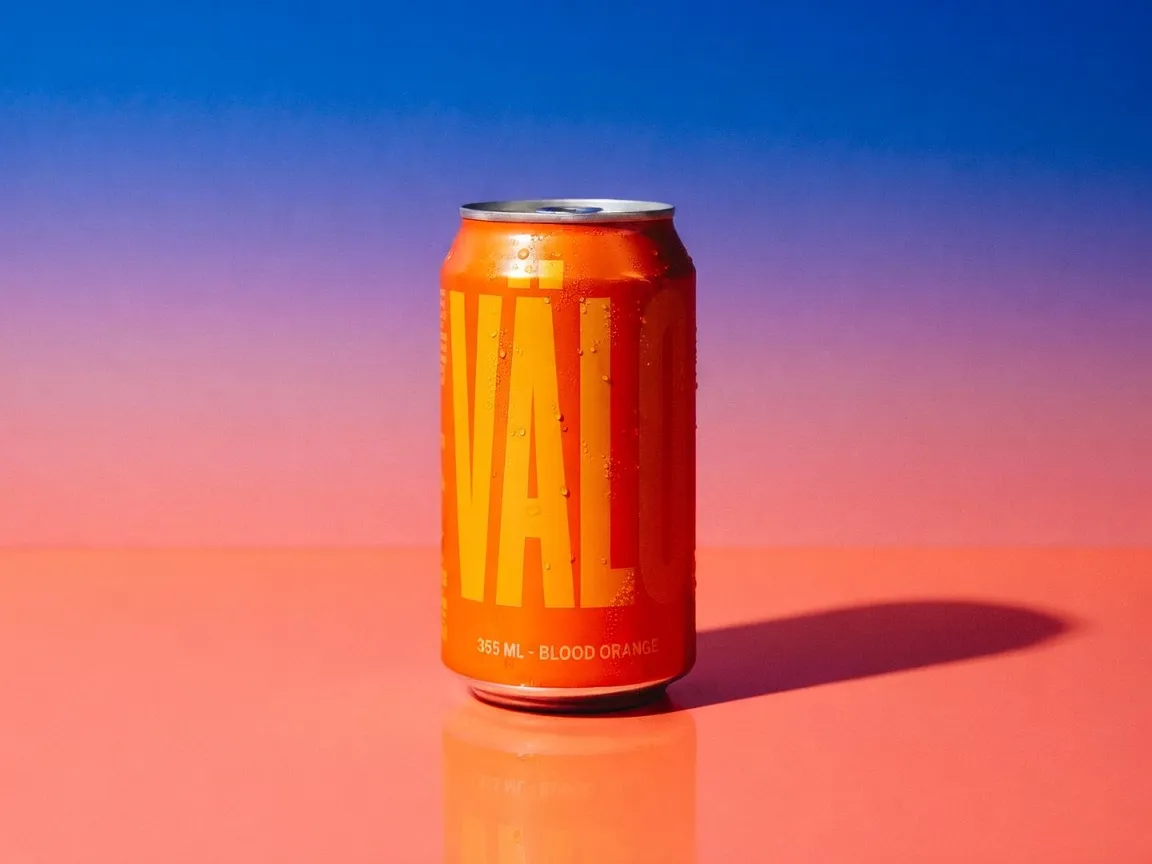
Beverage can with bold legible typography generated with Grok Imagine
Prompt

Beverage can on a wet surface, bold oversized typography, hard light and long shadow, photorealistic

Try it
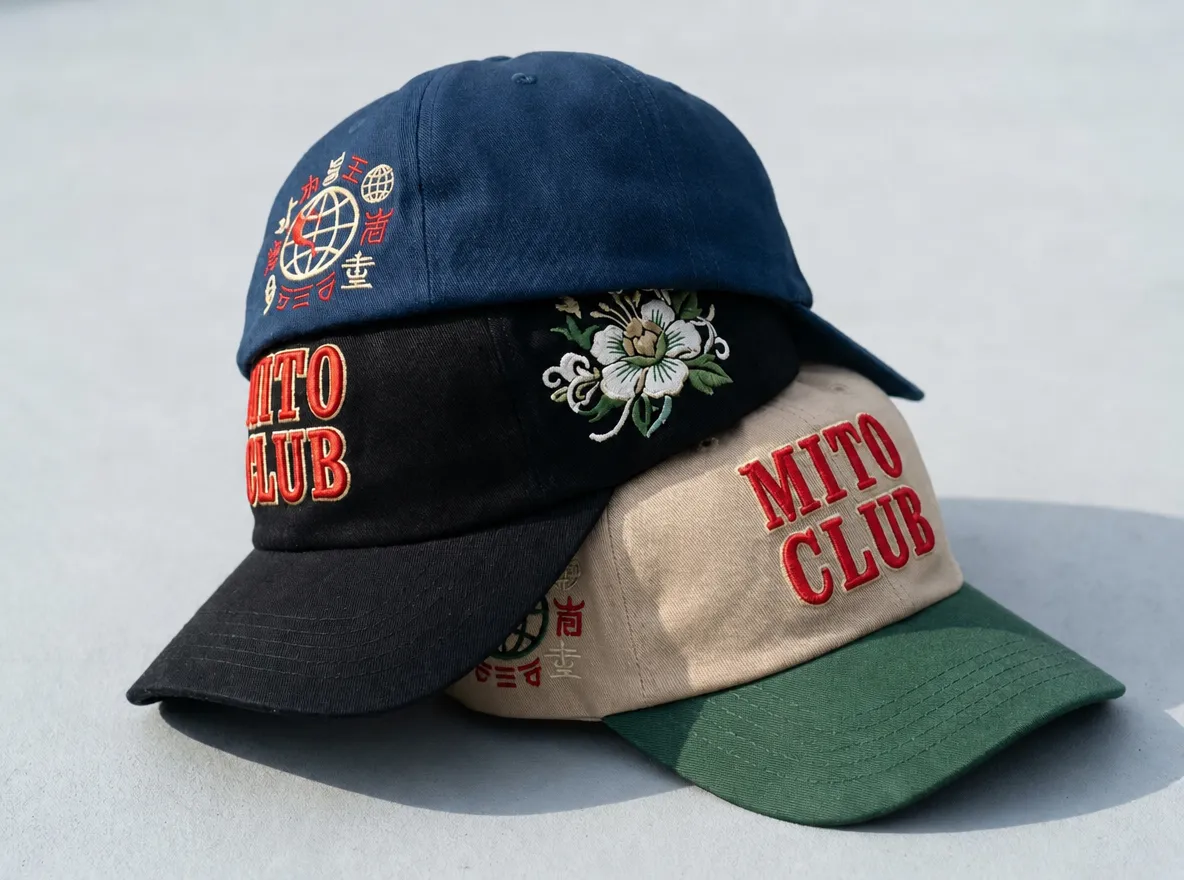
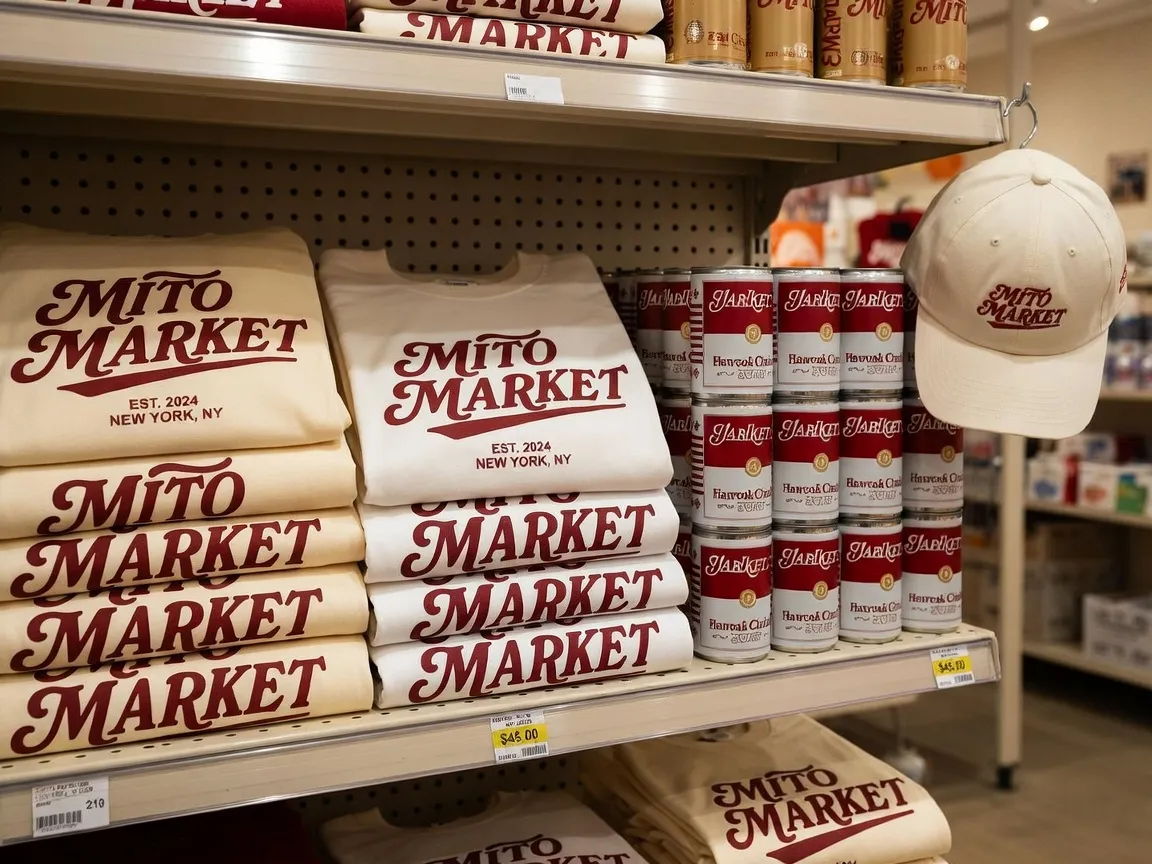
Embroidered cap with raised stitch detail by Grok Imagine
Prompt

Embroidered cap with raised stitch detail, three-quarter angle, high-contrast color, photorealistic

Try it
Authentic UGC product selfie generated with Grok Imagine
Prompt

Authentic UGC selfie holding a product, phone-camera look, natural daylight, candid

Try it
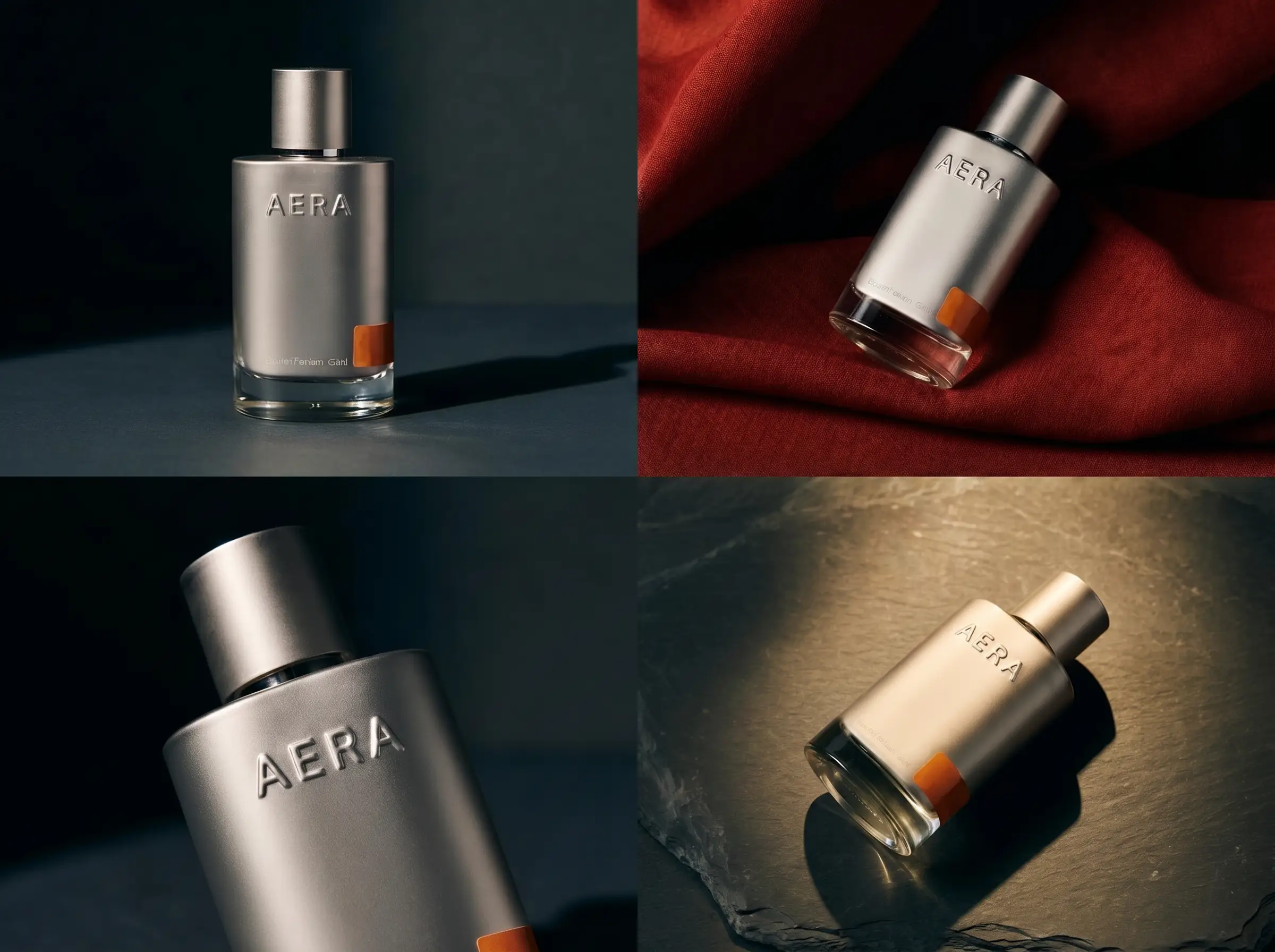
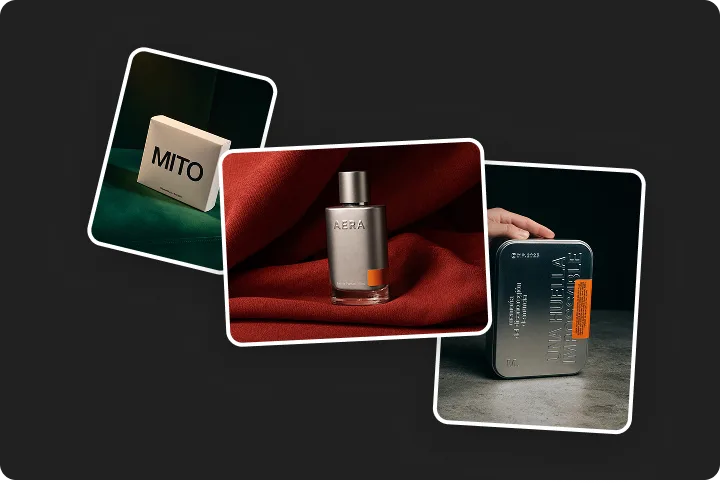
Premium product packaging with a crisp legible label by Grok Imagine
Prompt

Premium product packaging, studio light, crisp legible label, fine material detail

Try it
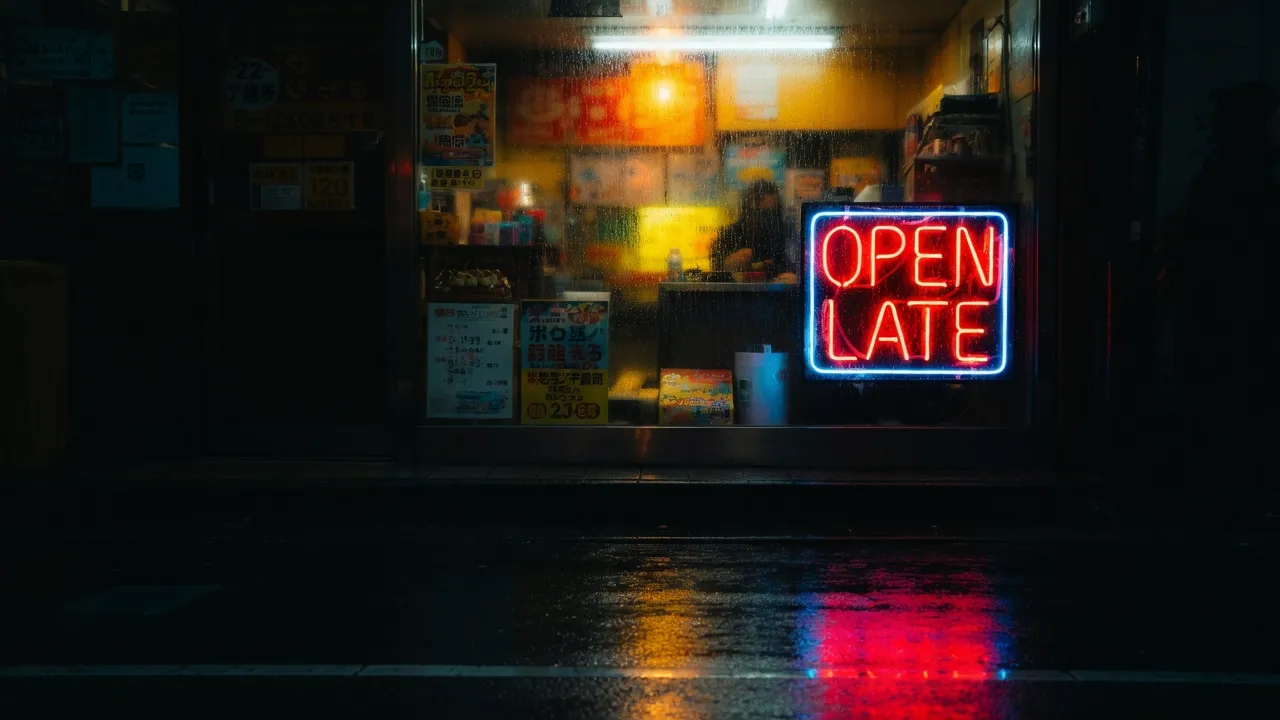
Hand-painted shop window lettering generated with Grok Imagine
Prompt

Hand-painted shop window lettering, street reflections, warm interior glow, cinematic

Try it
Stadium jumbotron with a live scoreboard by Grok Imagine
Prompt

Stadium jumbotron at night, live scoreboard, floodlights, crowd bokeh

Try it

The full power of MITO, with Grok Imagine built in

MITO is the creative platform where a generation becomes a finished piece: references, scenes, editing, and every model in one place. Grok Imagine is one of those models, and it works better surrounded by everything else you need to make the work.

One canvas, every model

Switch between Grok Imagine and every other model on MITO without leaving your project. Turn a still into a clip with a video model, keep your references, and stay in one creative flow.

Built for production, not just prompts

Reference editing, scene continuity, and editing live next to generation, so an image becomes a frame and a frame becomes a finished asset.

Your references travel with you

Characters, styles, and reference images carry across generations and models, so your work stays consistent from first image to final cut.

Who Grok Imagine is for

One model, many workflows. Here is how different teams put it to work.

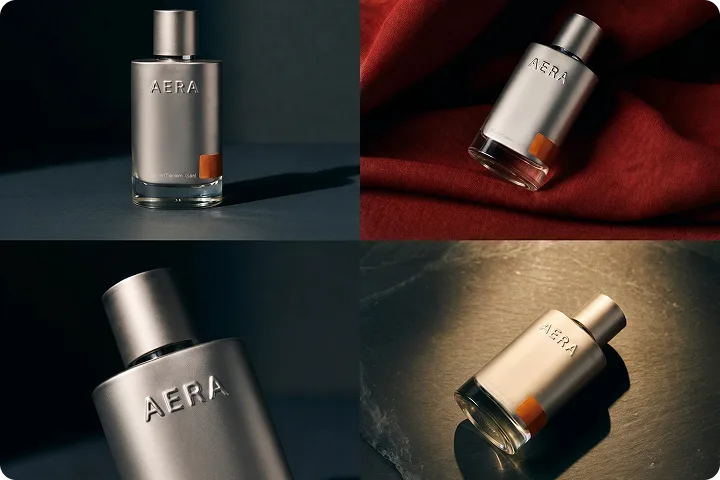
Branded product with an embossed logo generated with Grok Imagine

Brand and marketing teams

Generate product shots, posters, and social graphics with logos and headlines that render as real, readable text.

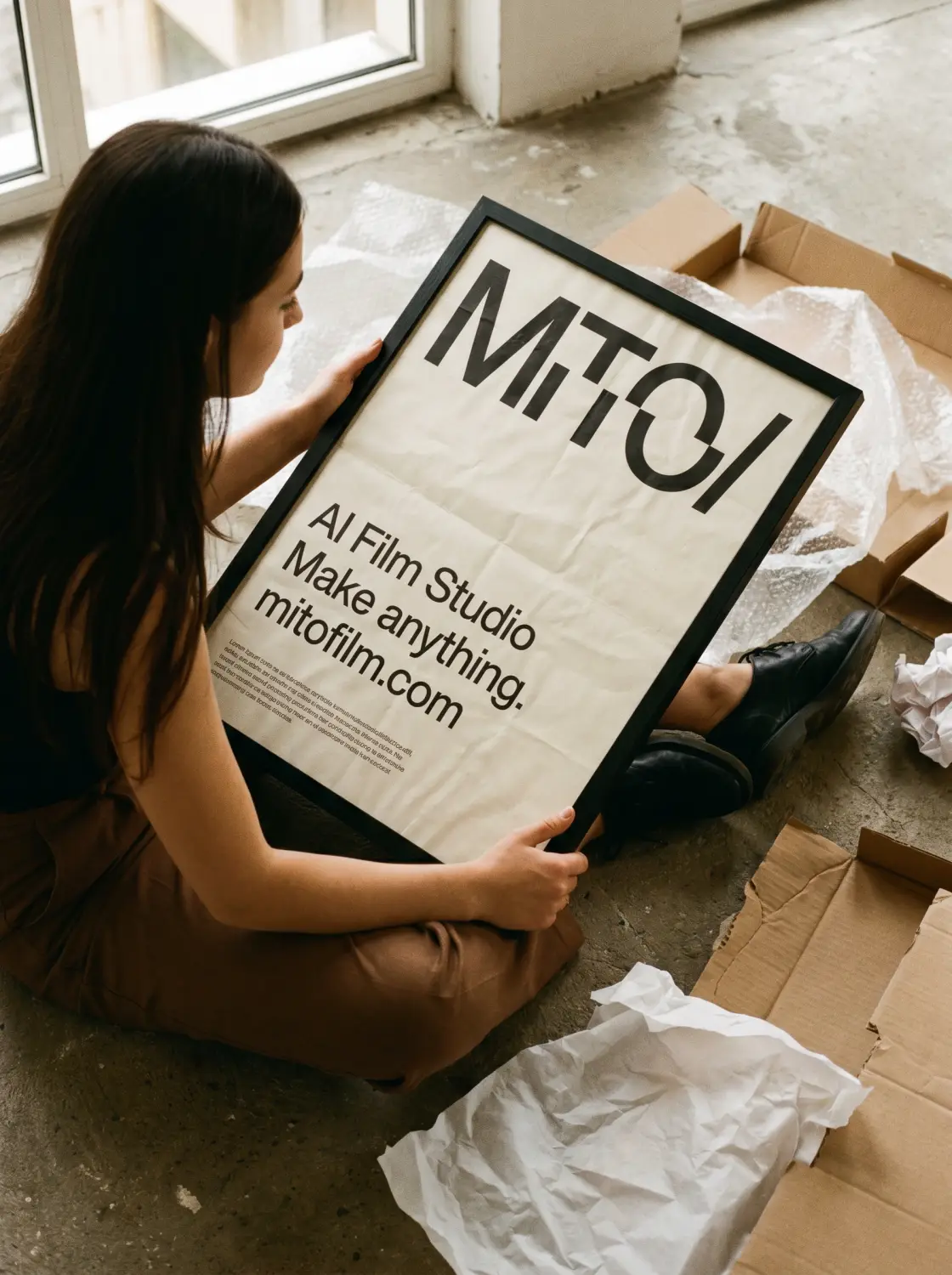
Editorial poster mockup with clean typography generated with Grok Imagine

Designers and art directors

Explore photoreal concepts and mockups fast, then refine them with reference-based editing instead of starting over.

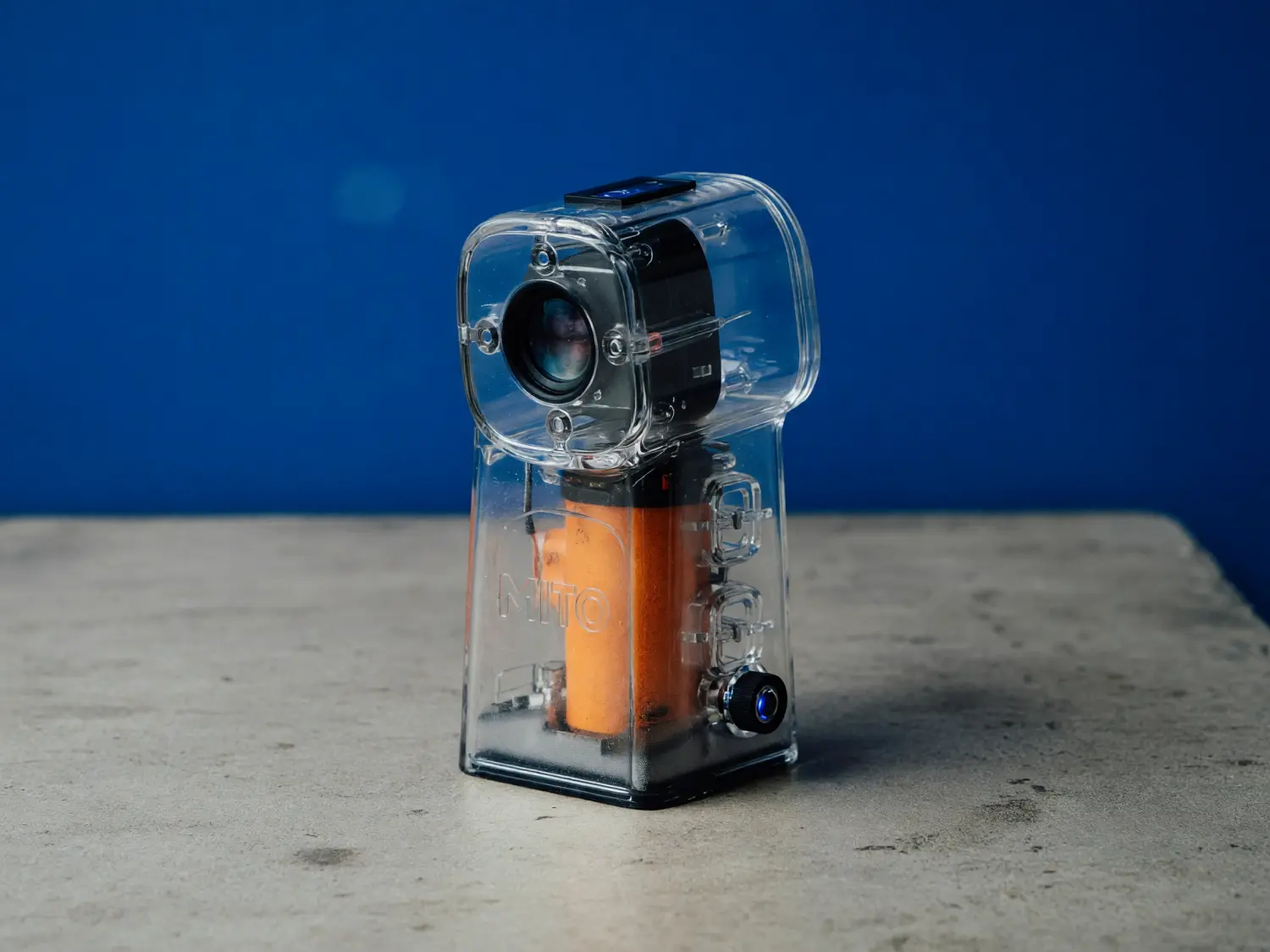
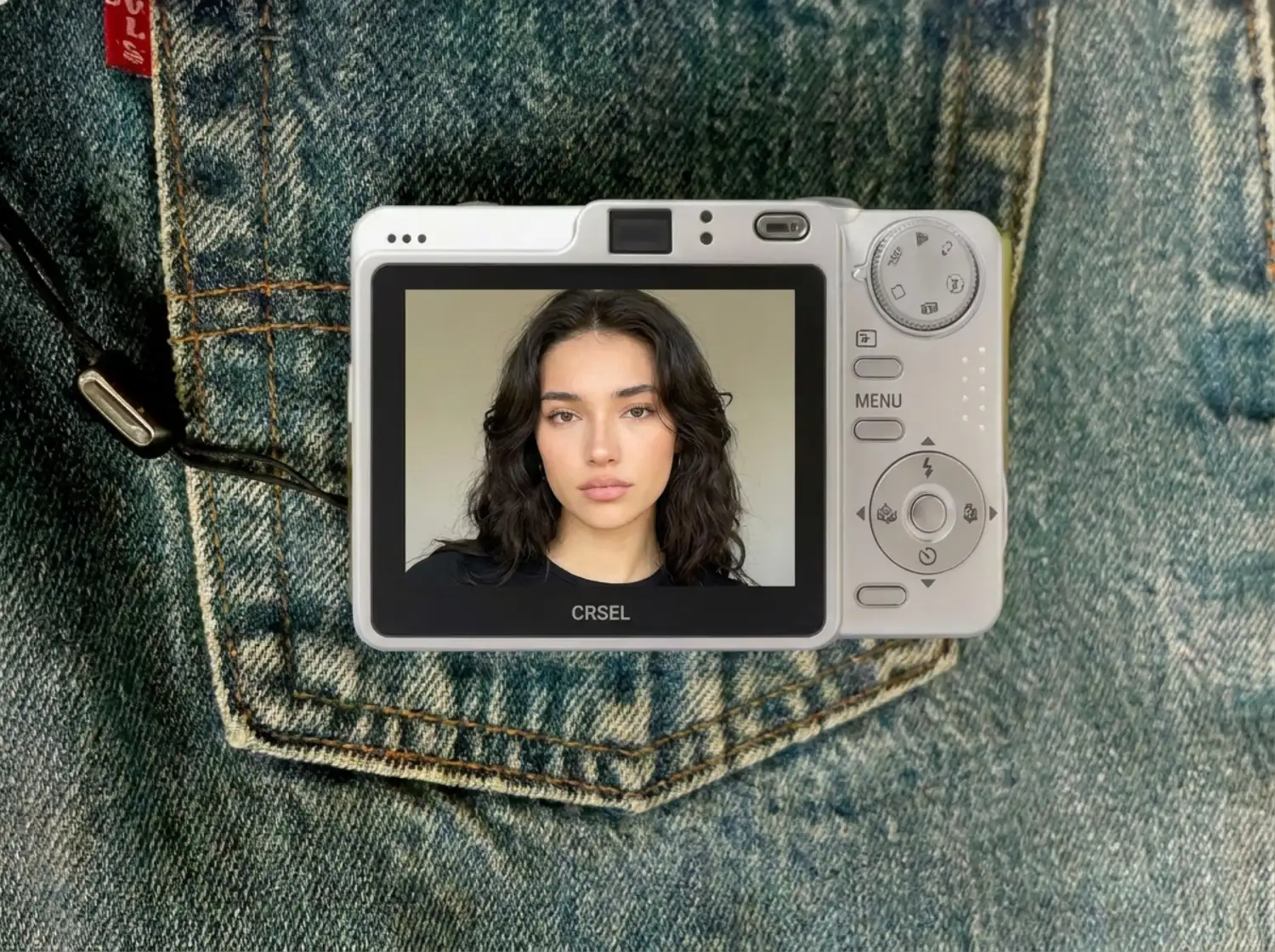
Lifelike portrait on a compact camera screen generated with Grok Imagine

Content and social creators

Turn a prompt into a finished, lifelike image, then batch several variations to find the one that lands.

How to create with Grok Imagine

Generate, then refine. It is never one and done.

Selecting Grok Imagine from the model picker inside a MITO project
Step 1

Open Grok Imagine on MITO

Start a project and select Grok Imagine. No setup, no install.

Adding reference images to guide a Grok Imagine edit in the MITO canvas
Step 2

Describe the image, or bring a reference

Write the scene, character, or product. Add up to three reference images to guide an edit, and spell out any text you want rendered in the image.

A batch of Grok Imagine variations generated in a single run on MITO
Step 3

Generate, batch, and refine

Generate up to ten variations in a single run, pick the strongest, and refine it. Switch on Quality Mode for sharper textures and cleaner text.

Grok Imagine Capabilities

More power, more control, from prompt to image generation

Grok Imagine rendering legible text and logos in an image

Text and logos that actually read

Most image models turn signs and labels into garbled shapes. Grok Imagine renders text, logos, and packaging copy as legible type inside the image, so a product mockup reads as a real product and a poster reads as a real poster. Spell out the headline you want and it shows up clean, which makes it a genuine tool for brand and marketing work, not just concept art.

Start Creating Free
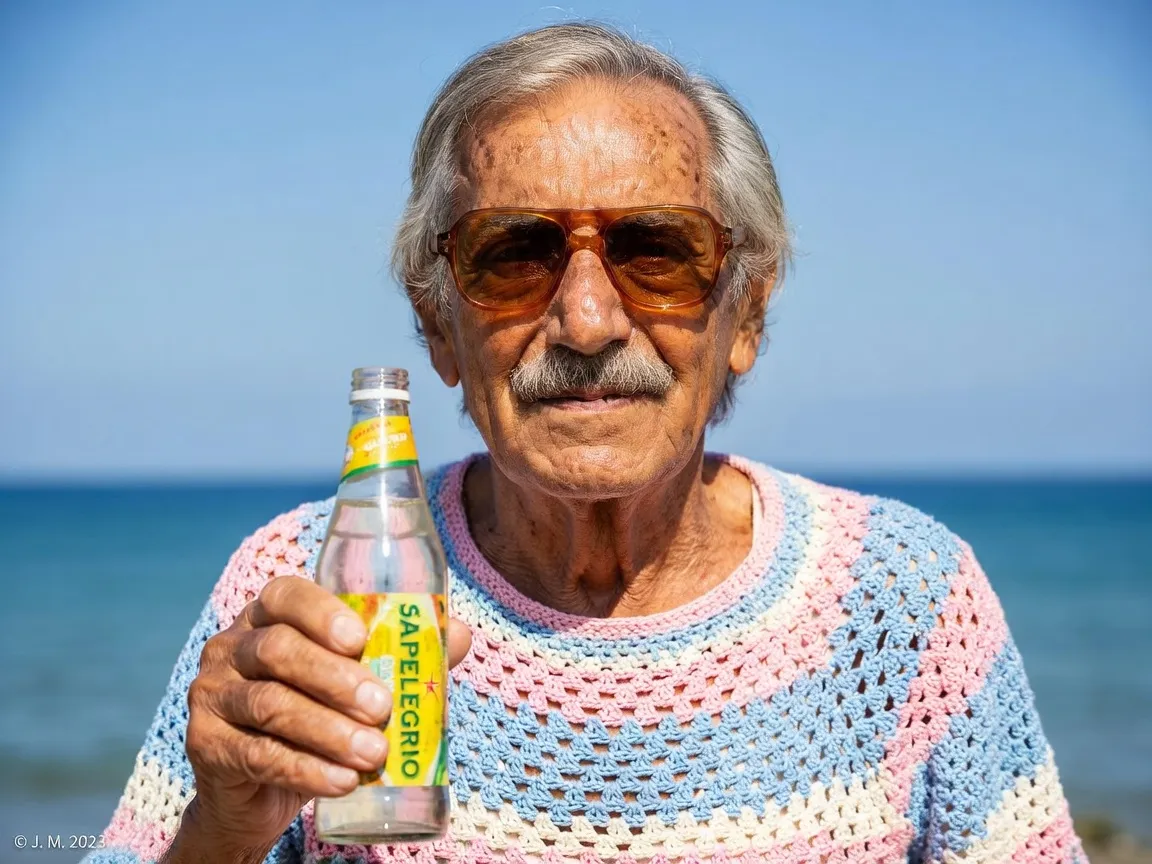
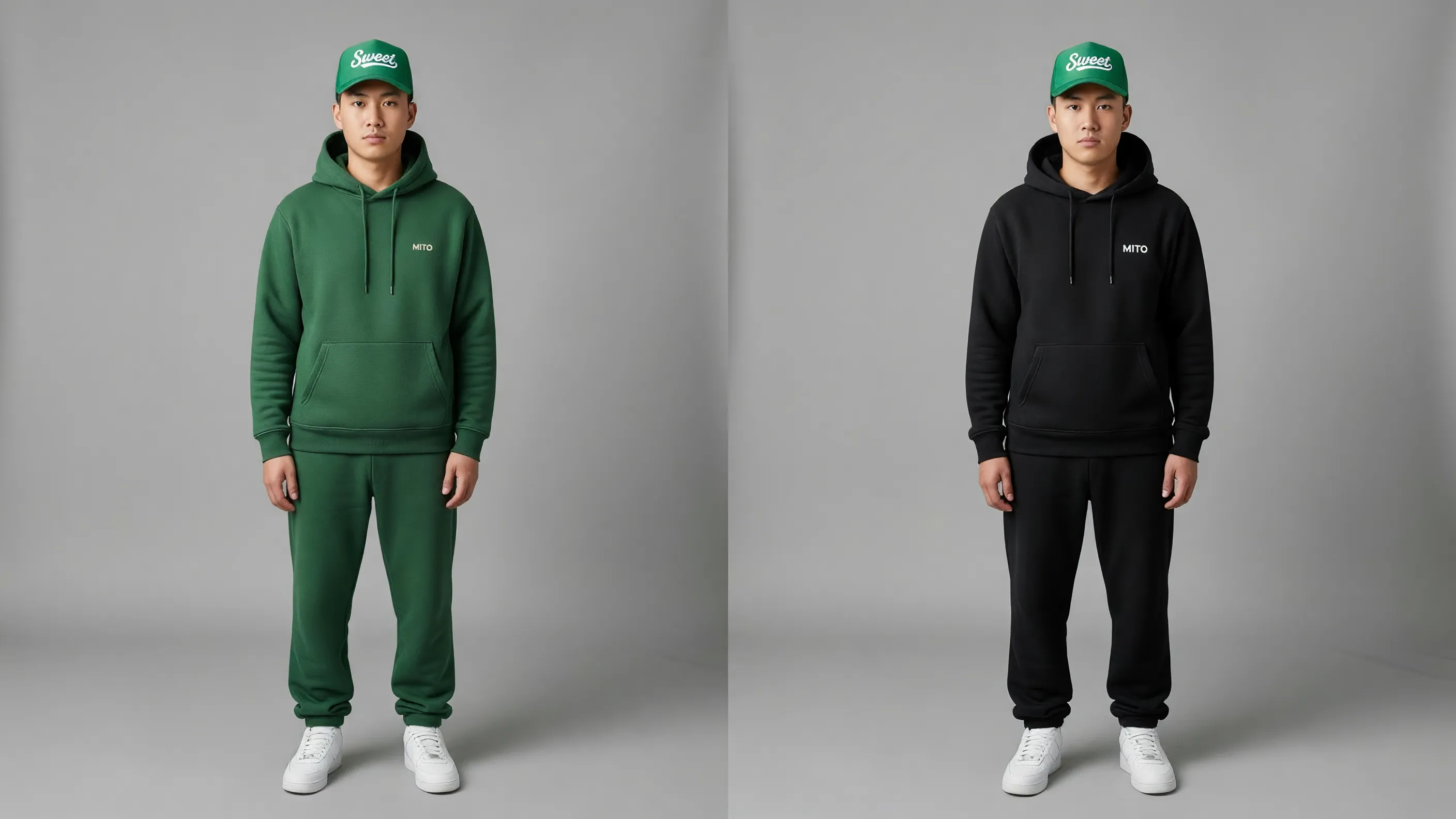
Photorealistic detail generated with Grok Imagine

Photorealism, no AI look

Portraits, landscapes, and product shots come back with fine detail: skin texture and pores, woven fabric, particles of light. The output sits next to real photography without the plastic, over-smoothed finish that gives most AI images away. Hand a client a render that reads as a shot, not a demo, from a casting portrait to a hero product image.

Start Creating Free
Reference-based editing with Grok Imagine on MITO

Reference-based editing

Bring up to three reference images and describe the change you want. Grok Imagine edits while holding the core composition, style, and identity, so you can refine a shot, swap an element, or keep a look consistent across a series. It turns generation into an iterative workflow rather than a slot machine you keep re-rolling.

Start Creating Free
Batch generation and Quality Mode with Grok Imagine

Batch and Quality Mode

Generate up to ten variations in a single run to explore directions fast, then commit to the strongest one. Switch on Quality Mode for sharper textures, more precise lighting, and cleaner text rendering when the image has to be final. Built on the autoregressive Aurora-2 engine, it understands visual structure and the meaning of text in the scene.

Start Creating Free

Trusted by filmmakers

Grok Imagine is the first model where the text on a mockup actually reads. We stopped faking labels in post.
Art director, brand studio avatarArt director, brand studioPackaging and campaigns
The photorealism holds up at product-shot scale. No plastic AI look, just fine material detail.
Creative lead, agency avatarCreative lead, agencyCommercial work
LittleSpainMovistarLAAGAMTelefonicaEvil Creative

Grok Imagine Technical Specifications

Grok Imagine is developed by ByteDance from video output clues. Below are the current technical details and defaults for AI-generated content through MITO.

Technical specifications for Grok Imagine
SpecificationValue
EngineAurora-2 (autoregressive, mixture-of-experts)
Input TypesText, Image
ModesText-to-image, image editing
Reference ImagesUp to 3 per edit
BatchUp to 10 results per generation
Quality ModeUp to 2K, sharper textures and text
Credits per Generation30 – 90 credits

Which model should you use

Every model lives on MITO. Pick by the job, not the name.

Grok ImagineBrand work, product shots, posters, anything with text in the frame.
Nano Banana 2When you need quick stills across many styles.
Kling 3.0When the image needs to move, take it into video.

Grok Imagine FAQ

Yes. Grok Imagine runs on MITO on xAI's Aurora-2 engine. Sign up for a free account to start generating photorealistic images with legible text and logos, edit them with reference images, and combine them with every other model on the canvas. No setup or install needed.

Grok Imagine runs on Aurora-2, an autoregressive mixture-of-experts engine that builds an image in patches the way a language model builds tokens, rather than denoising like a diffusion model. That gives it a strong grasp of visual structure and of the meaning of text inside a scene. While Midjourney excels at artistic style and DALL-E offers broad flexibility, Grok Imagine stands out for photorealism and legible text rendering.

Yes, and it's one of its strongest features. Grok Imagine renders signs, labels, headlines, and logos as legible text inside the image, which is rare in image generation. Spell out the copy you want in your prompt and it shows up clean. This makes it well suited to product mockups, posters, packaging, and branded campaigns where readable type matters.

Yes. Beyond text-to-image, Grok Imagine supports reference-based editing. Bring up to three reference images and describe the change you want, and it edits while holding the core composition, style, and identity. This is ideal for iterative refinement, swapping elements, and keeping a consistent look across a series of images.

Grok Imagine can return up to ten results in a single generation, so you can explore several directions in one run and pick the strongest. For final work, switch on Quality Mode for sharper textures, more precise lighting, and cleaner text rendering.

Grok Imagine costs 30 credits for a standard text-to-image or image edit. Quality Mode scales with resolution: 80 credits at 1K and 90 credits at 2K, for both text-to-image and edits. A standard generation costs roughly $0.02 and a 2K Quality generation roughly $0.08. Additional credits can be purchased through your account or included in a MITO subscription plan.

They serve different needs. Choose Grok Imagine for photorealism and legible text or logos in the frame, which makes it strong for brand and product work. Nano Banana 2 is built for fast, versatile image generation across many styles. Seedream 5.0 adds real-time web search and logical reasoning for factually grounded images. All of them live on the same MITO canvas, so you can move between them in one project.

Yes. Images generated with Grok Imagine through MITO can be used for commercial purposes including advertising, social media campaigns, product showcases, and client deliverables. All generated content is yours to use. Check MITO's terms of service for full details on commercial usage rights and licensing.

Create Professional Images with Grok Imagine

Start with 1,000 free credits — enough for 11 Grok Imagine generations. No credit card needed.

Start Creating Free